

WhatsApp Marketing for Ecommerce Businesses: The Full-Funnel Playbook
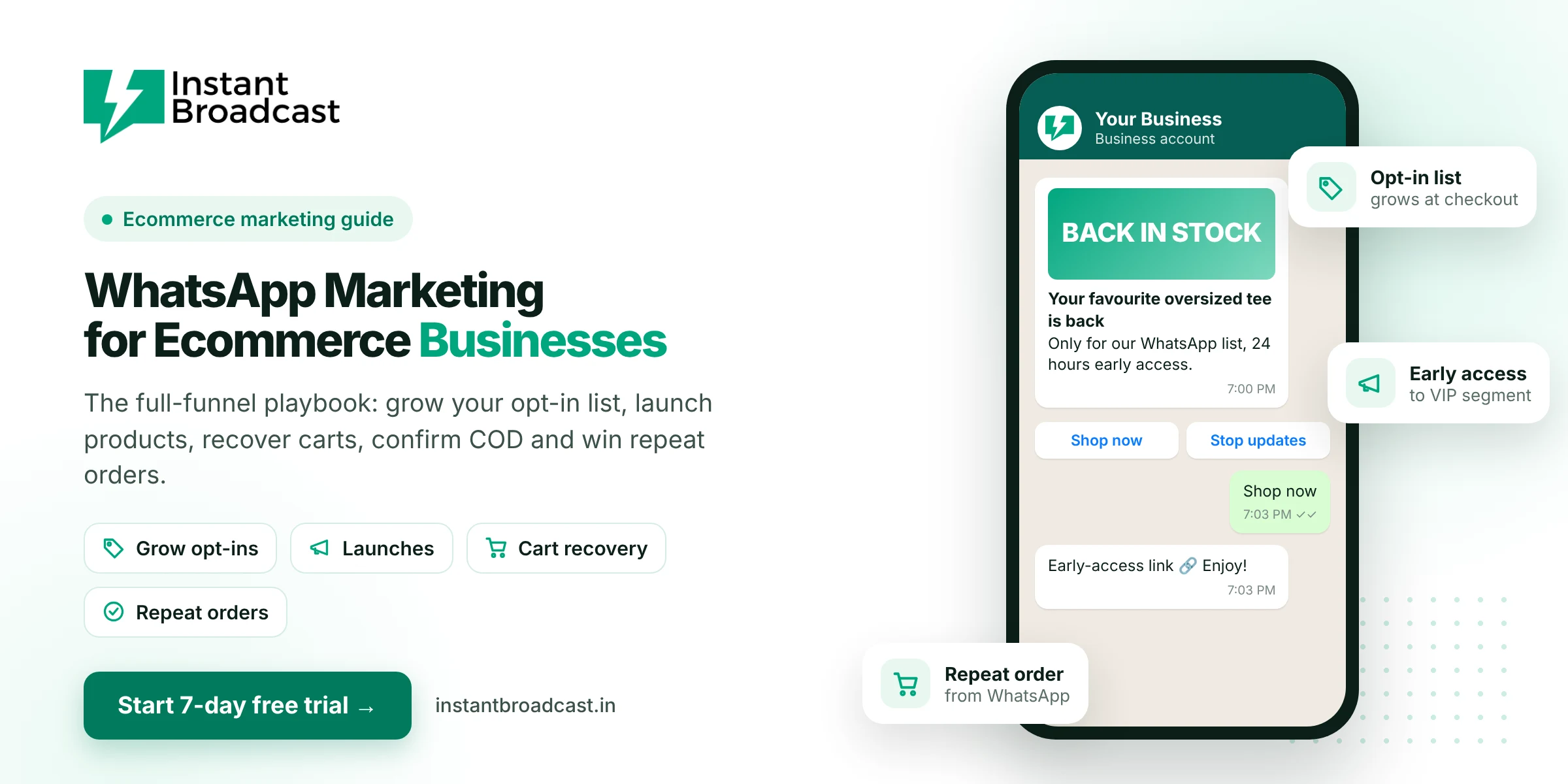
WhatsApp marketing for ecommerce works across the whole funnel: build an opted-in WhatsApp list, use it for launches and restocks, recover abandoned carts, confirm COD orders, keep customers updated after purchase, and bring them back for repeat orders. For Indian D2C brands, it is often the channel with the most direct line to the customer, as long as you use it with restraint. Here's a practical playbook.
Why WhatsApp Marketing for Ecommerce Businesses Matters in India
- Customers already chat with brands on WhatsApp and prefer it to email.
- COD is still common, and confirming orders over chat helps reduce fake orders and returns.
- Customers can ask a question and buy in the same conversation.
- Ad costs keep rising, so selling again to your existing customers matters more every year.
Stage 1: Grow an opted-in WhatsApp list
Everything depends on this. Without opt-in, you can't market on WhatsApp properly.
- Checkout: "Get order updates and offers on WhatsApp" with the phone field
- Website: a WhatsApp chat button on product pages, "Ask about this product"
- Click-to-WhatsApp ads: shoppers message you directly from Instagram or Facebook
- Packaging inserts: a QR code that opens a WhatsApp chat for a care guide or reorder
- Early access: "Join our WhatsApp list for launches 24 hours early"
Stage 2: Launches, restocks and offers
This is where most brands overdo it. A good rhythm for most stores is two to four marketing messages a month, segmented:
| Segment | What to send |
|---|---|
| VIP / repeat buyers | Early access to launches and restocks |
| Category browsers | New arrivals in the category they viewed or bought |
| One-time buyers | A second-purchase offer 30 to 45 days after delivery |
| Inactive 90+ days | One win-back message, then let them rest |
Marketing messages cost ₹1.12 each on the Instant Broadcast India rate card, so segmenting saves money as well as goodwill.
Stage 3: Recover abandoned carts
Send a reminder within one to two hours with the exact product and a checkout button, and answer questions in the chat. Hold back the discount for the second reminder, if you use one at all. The details are in how to recover abandoned carts with WhatsApp.
Stage 4: Confirm COD and keep customers updated
- COD confirmation with Confirm and Cancel buttons before dispatch
- Order confirmation, dispatch with tracking, out for delivery, delivered
- Proactive delay notices, the most underrated message in ecommerce
These are utility messages at ₹0.15 each. See how to send order updates through WhatsApp.
Stage 5: Support in the same chat
When customers reply with "wrong size" or "where's my refund?", a chatbot can handle the common cases (exchange policy, return pickup, refund timeline) and pass the rest to your support team in a shared inbox. Customers don't have to switch to email or call a number.
Stage 6: Repeat orders and loyalty
- Replenishment reminders for consumables: "Running low on your face serum? It's been about 45 days."
- Review requests a few days after delivery
- Birthday and loyalty-point reminders
- Referral codes for happy customers
Metrics that matter
- Opt-in rate at checkout
- Read rate and click rate per campaign
- Revenue per message sent, by segment
- Cart recovery rate
- COD confirmation and RTO rates
- Block rate: if it rises, send fewer and more relevant messages
Getting set up
- Start your 7-day free trial and connect your store's WhatsApp number to the official API.
- Connect Shopify or WooCommerce. See how to integrate WhatsApp with Shopify.
- Switch on order updates and COD confirmation first.
- Add cart recovery.
- Start segmented launch and repeat-purchase campaigns once your opt-in list is growing.
Official references: Shopify’s webhooks documentation and Meta’s WhatsApp Business Platform documentation.
Frequently asked questions
How can ecommerce businesses use WhatsApp marketing?
By growing an opted-in WhatsApp list, sending segmented launches and offers, recovering abandoned carts, confirming COD orders, sending order updates, handling support and driving repeat purchases.
How often should an ecommerce brand send WhatsApp promotions?
For most stores, two to four segmented marketing messages a month is a sensible limit. Order updates are separate and expected.
How do I grow my WhatsApp list for ecommerce?
Add WhatsApp opt-in at checkout, a chat button on product pages, Click-to-WhatsApp ads, QR codes on packaging and early-access invites.
Can WhatsApp reduce COD returns?
Confirming COD orders on WhatsApp before dispatch helps spot orders that aren't genuine and can reduce return-to-origin costs.
How much does WhatsApp marketing cost for ecommerce?
On the Instant Broadcast rate card for India, marketing messages cost ₹1.12 and utility messages like order updates ₹0.15 each, plus a software subscription.
Does WhatsApp marketing work with Shopify and WooCommerce?
Yes. Instant Broadcast integrates with both, so store events can trigger WhatsApp messages.
What metrics should I track?
Opt-in rate, read and click rates, revenue per message, cart recovery rate, COD confirmation and RTO rates, and block rate.
Is there a free trial?
Yes. You can try Instant Broadcast free for 7 days.