

How to Integrate WhatsApp with Shopify: Step-by-Step Tutorial
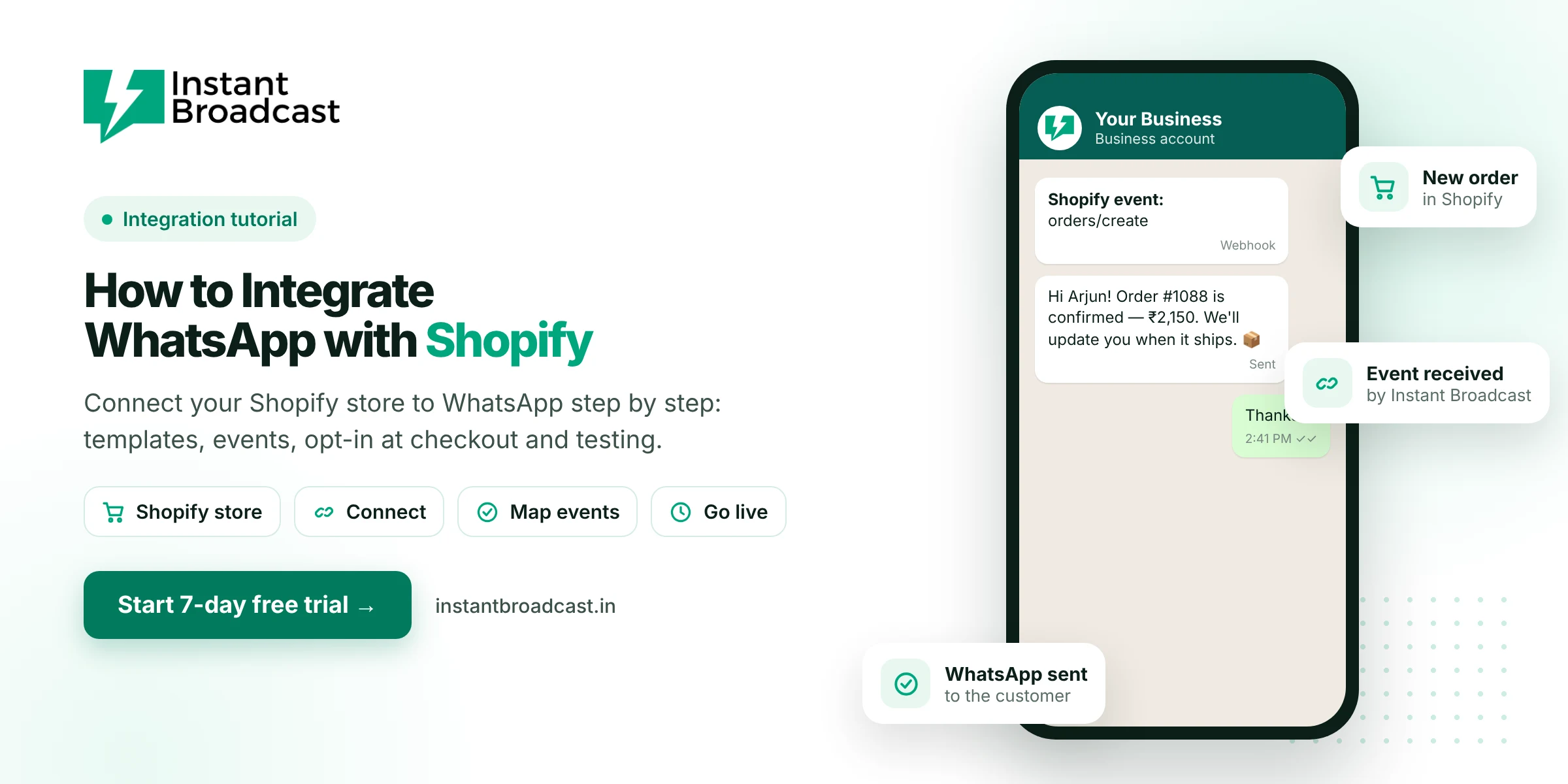
To integrate WhatsApp with Shopify, there are three parts: add a WhatsApp chat button to your store so shoppers can message you, make the phone number required at checkout, and connect Shopify's order events to the WhatsApp Business API so confirmations and shipping updates go out automatically. The first part takes ten minutes. The other two take about an afternoon with a provider like Instant Broadcast. Here's the full walkthrough.
How to Integrate WhatsApp with Shopify: Three Levels of Integration
People use the phrase for three quite different things, so be clear which you need:
| Level | What it does | What you need |
|---|---|---|
| 1. Chat button | Shoppers tap to message you on WhatsApp | A theme setting, an app or a simple wa.me link |
| 2. Automated notifications | Order, COD and shipping messages go out automatically | WhatsApp Business API + store integration |
| 3. Marketing and recovery | Cart reminders, launches, repeat-purchase campaigns | API + opt-in + segments |
Most stores benefit from all three, built in that order.
Part 1: Add a WhatsApp chat button
The simplest version is a link: https://wa.me/91XXXXXXXXXX?text=Hi%2C%20I%20have%20a%20question. Replace the Xs with your number, including the country code.
- In Shopify admin, go to Online Store → Themes → Customize.
- Add a button or text link to your header, product pages or footer pointing to your wa.me link.
- Use a pre-filled message that tells you the context, for example "Hi, I have a question about [product]".
If your WhatsApp number is on the API with a chatbot, every one of these chats gets an instant reply.
Part 2: Collect phone numbers and opt-in at checkout
- Go to Settings → Checkout in Shopify admin.
- Make the phone number required in the shipping address (or allow phone as a contact method).
- Add a line near the phone field, such as "We'll send order updates on WhatsApp", and give customers an easy way to opt out later.
Without numbers and consent, no automation can work. Fix this first.
Part 3: Connect order events to WhatsApp
Step 1: Get WhatsApp Business API
Start a free trial on Instant Broadcast and connect your store's WhatsApp number. See how to get WhatsApp Business API in India.
Step 2: Create your templates
Create one utility template per event and submit them for approval:
- order_confirmed: "Hi {{1}}, thanks for your order #{{2}} of ₹{{3}}. We'll update you when it ships."
- cod_confirm: "Hi {{1}}, please confirm your COD order #{{2}} for ₹{{3}}." Buttons: Confirm · Cancel
- order_shipped: "Your order #{{1}} has shipped! Track it here: {{2}}"
Step 3: Connect Shopify
Connect your Shopify store from Instant Broadcast's integrations, and our team can do this with you on a call. If you're working with a developer instead, the standard approach uses Shopify webhooks: in Settings → Notifications → Webhooks, create webhooks for events such as Order creation and Order fulfillment, pointing to the URL your WhatsApp system provides.
Step 4: Map events to templates
Match each Shopify event to its template and fill the variables from the order data: customer first name, order number, total, payment method and tracking URL.
Step 5: Test with a real order
- Place a test order using your own phone number.
- Check that the confirmation arrives within a minute, with the right name and amount.
- Test a COD order and tap Confirm.
- Fulfil the order and check that the shipping message includes a working tracking link.
Step 6: Handle replies
Customers will reply to these messages. Point replies to your support team's shared inbox and add a small chatbot for common questions: delivery time, COD, size exchange and returns.
What it costs to run
Order confirmations and shipping updates are utility messages at ₹0.15 each on the Instant Broadcast India rate card. A store with 1,500 orders a month sending three updates per order spends about ₹675 on message charges.
Common problems and fixes
- Messages not sending: usually the phone number is missing the country code or has spaces.
- Template rejected: remove promotional words from utility templates.
- Duplicate messages: make sure the same event isn't connected twice.
- Wrong name: map the shipping address first name, not the account name, if customers order for others.
Next steps: set up abandoned cart recovery on WhatsApp, or read about WhatsApp automation for Shopify stores.
Official references: Shopify’s webhooks documentation and Meta’s WhatsApp Business Platform documentation.
Frequently asked questions
How do I integrate WhatsApp with my Shopify store?
Add a WhatsApp chat button to your theme, make phone numbers required at checkout with a WhatsApp opt-in line, then connect Shopify order events to the WhatsApp Business API through a provider like Instant Broadcast.
How do I add a WhatsApp button to Shopify?
In Online Store → Themes → Customize, add a button or link that points to https://wa.me/ followed by your number with country code, optionally with a pre-filled message.
Can Shopify send order confirmations on WhatsApp?
Yes, through a WhatsApp Business API integration. Order events trigger approved WhatsApp templates automatically.
Which Shopify webhooks are used for WhatsApp notifications?
Commonly order creation and order fulfillment, configured in Settings → Notifications → Webhooks or through the provider's integration.
Do I need a developer to connect Shopify to WhatsApp?
Not with Instant Broadcast's Shopify integration. A developer is useful only for custom webhook setups.
How much do Shopify WhatsApp notifications cost?
Order updates are utility messages at ₹0.15 each on the Instant Broadcast rate card for India.
Why are my WhatsApp order messages not sending?
The most common reasons are phone numbers without a country code, unapproved templates, or a disconnected integration.
Can I send abandoned cart reminders from Shopify on WhatsApp?
Yes, to opted-in shoppers, using cart events and an approved reminder template.