

WhatsApp CRM with Multiple Agents: Sales and Support on One Number
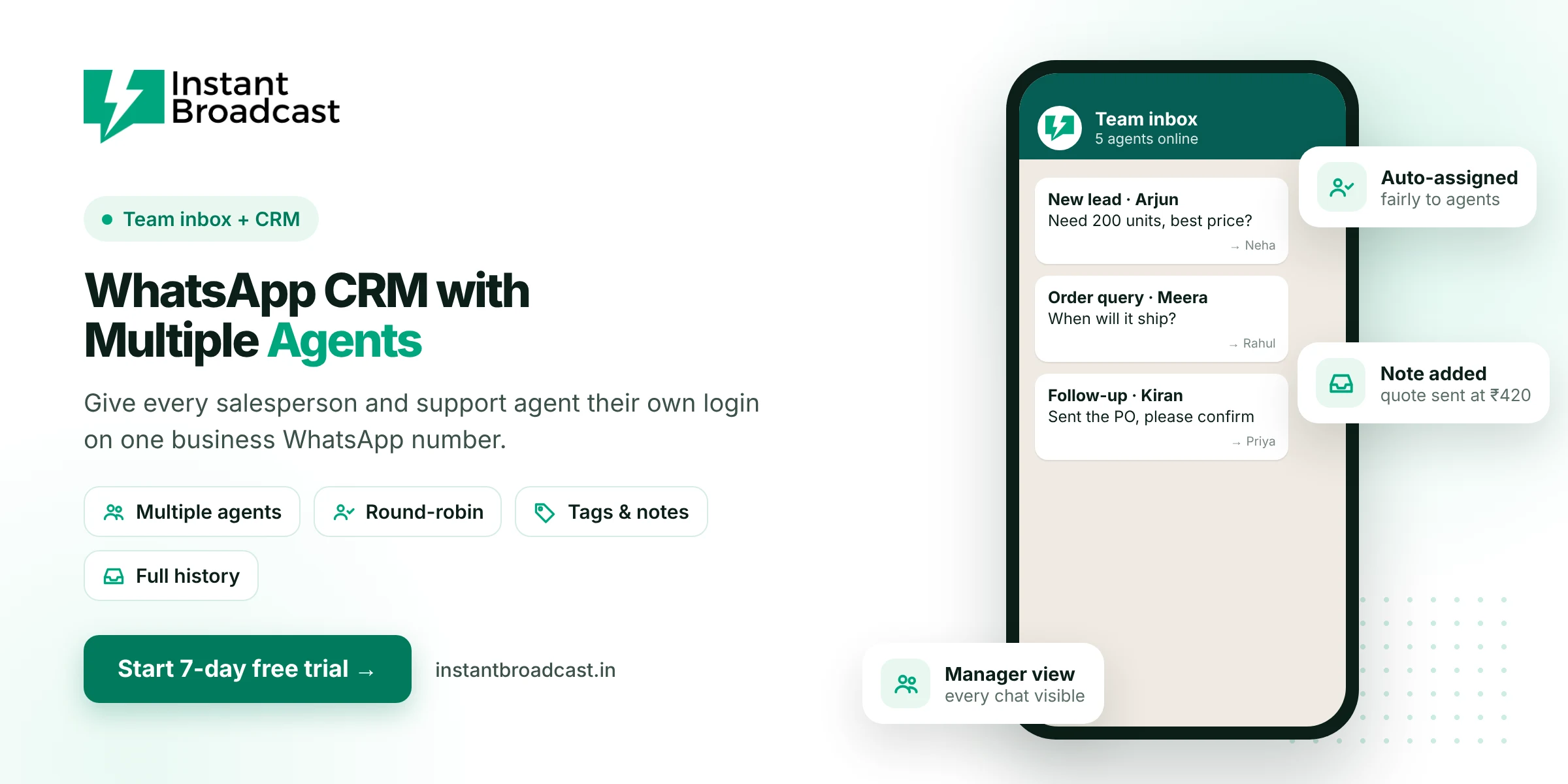
Instant Broadcast is a WhatsApp CRM with multiple agents. Every salesperson and support agent gets their own login on one official WhatsApp Business API number, new chats are auto-assigned, and contacts, tags, notes and full conversation history stay in one place. Managers see every chat, and nothing gets lost when staff change. Try it free for 7 days.
Why Growing Teams Need a WhatsApp CRM with Multiple Agents
When a team of five or ten people handles customers on WhatsApp, the usual setup breaks down. One shared phone becomes a bottleneck. Separate personal numbers scatter your customers and chat history across devices you don't control. A multi-agent WhatsApp CRM gives you one brand number, many logins and clear ownership of every conversation.
Roles in a multi-agent setup
| Role | What they do in Instant Broadcast |
|---|---|
| Owner or manager | Sees all chats, assigns and transfers conversations, reviews response times and broadcast results |
| Sales agent | Handles assigned leads, sends quotes and catalogues, updates tags and notes |
| Support agent | Handles order, delivery and service questions, and escalates when needed |
| Chatbot | Replies first, collects details and routes the chat to the right agent |
Multi-agent features
- Individual agent logins on one business WhatsApp number.
- Auto round-robin assignment so new chats are shared fairly.
- Manual assignment and transfer between agents or teams.
- Tags for lead stage, priority, source and department.
- Internal notes visible to the team, not the customer.
- Full conversation history for whoever picks up a chat next.
- Option to hide buyer numbers from agents, so customer data stays with the business.
- Android and iOS apps for agents in the field.
- Lead sources in the same inbox: IndiaMART, TradeIndia, Shopify, WooCommerce and Google Sheets.
How assignment works
- A customer messages your business number, from an ad, your website, IndiaMART or a broadcast reply.
- The chatbot greets them and asks what they need.
- Based on the answer, the chat is routed to sales or support and auto-assigned to the next available agent.
- The agent replies, adds notes and updates tags.
- If the agent is away, a manager reassigns the chat with one click and the history goes with it.
Benefits for growing teams
- Faster replies, because no chat waits for one phone.
- No double replies, because everyone can see who owns each chat.
- Accountability, because managers can see every conversation.
- Business continuity, because chats stay with your number when staff leave.
- Better follow-ups, because tags and notes show exactly where each lead stands.
Set it up
- Start your 7-day free trial and connect your WhatsApp business number.
- Add your agents and give each one a login.
- Turn on round-robin assignment and create tags.
- Build a welcome chatbot that routes chats to sales or support.
Related reading: WhatsApp shared team inbox and WhatsApp CRM software.
Official references: Meta’s WhatsApp Business Platform documentation and the WhatsApp Business Messaging Policy.
Frequently asked questions
Can multiple agents use one WhatsApp number?
Yes. With Instant Broadcast on the official WhatsApp Business API, many agents can work on one business number at the same time, each with their own login.
How are chats divided between agents?
New chats can be auto-assigned by round-robin, and managers can assign or transfer chats manually.
Can managers see all agent conversations?
Yes. Managers can view every conversation and reassign chats when needed.
Can I hide customer phone numbers from agents?
Yes. Instant Broadcast has an option to hide buyer numbers from agents so customer data stays with the business.
Do agents need to be in the office?
No. Agents can reply from the web or from the Android and iOS apps.
What happens to chats when an agent leaves?
Conversations stay on your business number with full history, so another agent can continue them.
How many agents can I add?
Agent limits depend on your plan. Check with our team or the pricing page.
Is there a free trial?
Yes. You can try the multi-agent CRM free for 7 days.