

WhatsApp Shared Team Inbox: One Number, Your Whole Team
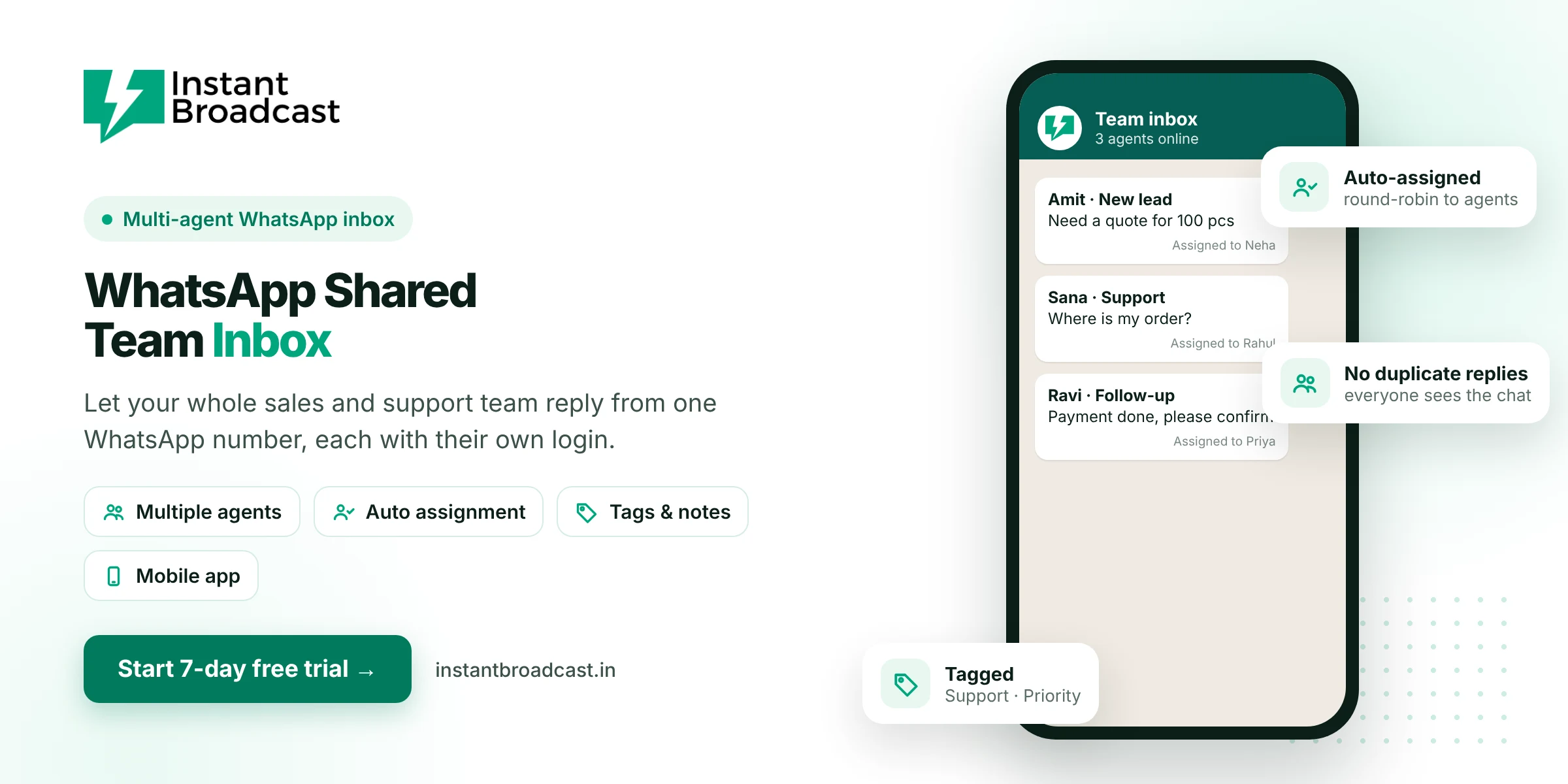
Instant Broadcast's WhatsApp shared team inbox lets your whole sales and support team reply to customers from one official WhatsApp Business API number, each with their own login. New chats are auto-assigned, colleagues can see who is handling what, and no customer gets missed or answered twice. Try it free for 7 days.
What is a WhatsApp shared team inbox?
A WhatsApp shared team inbox is a single inbox where all customer conversations on your business WhatsApp number appear, and many team members can work on them at the same time. Each agent logs in separately, chats are assigned to the right person, and managers can see every conversation. It replaces the old way of passing one phone around or giving every salesperson their own number.
Problems a shared inbox solves
- One phone, many people. Only one person can reply from a phone at a time.
- Missed chats. Messages get buried when nobody owns them.
- Double replies. Two staff members answer the same customer differently.
- No visibility. The owner can't see how fast customers get answers.
- Lost history. When an employee leaves, their customer chats go with them.
Key features of the Instant Broadcast team inbox
- Multiple agent logins. Every team member gets their own login on one business number.
- Auto round-robin assignment. New conversations are distributed fairly across your agents.
- Manual assignment and transfer. Move a chat to a colleague or a specialist when needed.
- Tags and notes. Label chats and leave internal notes for the team.
- Full conversation history. Anyone picking up a chat sees everything said before.
- Chatbot first, human next. The chatbot handles first questions and passes the chat to an agent with full context.
- Mobile apps. Agents can reply from Android and iOS apps.
- Integrated lead sources. Leads from IndiaMART, TradeIndia, Shopify and Google Sheets arrive in the same inbox.
Shared phone vs separate numbers vs shared team inbox
| One shared phone | Separate staff numbers | Instant Broadcast team inbox | |
|---|---|---|---|
| Agents at once | One | Many | Many |
| Customers see one brand number | Yes | No | Yes |
| Owner visibility | Low | None | Every chat |
| Chats stay with the business | Yes | No | Yes |
| Auto assignment | No | No | Round-robin |
Who uses a WhatsApp team inbox
- Sales teams: share incoming leads fairly and follow up from one brand number.
- Support teams: handle order questions and complaints without overlap.
- Real estate firms: route project enquiries to the right sales executive.
- Coaching institutes: let counsellors handle admission enquiries together.
- Manufacturers and traders: handle IndiaMART enquiries across a sales team.
Set up your team inbox
- Start your 7-day free trial and connect your WhatsApp business number.
- Add your team members and give each one a login.
- Turn on round-robin assignment for new chats.
- Create tags such as New lead, Follow-up and Support.
- Switch on the chatbot so every new chat gets an instant first reply.
Official references: Meta’s WhatsApp Business Platform documentation and the WhatsApp Business Messaging Policy.
Frequently asked questions
Can multiple people use one WhatsApp number?
Yes. With the WhatsApp Business API and a shared team inbox like Instant Broadcast, many agents can reply from one business number at the same time, each with their own login.
How are chats assigned to team members?
New chats can be auto-assigned by round-robin, and you can also assign or transfer chats manually.
Can the owner see all conversations?
Yes. Managers can view every conversation in the shared inbox.
What happens to chats when an employee leaves?
Conversations stay in the inbox on your business number, so another team member can continue them.
Can agents reply from their phones?
Yes. Instant Broadcast has Android and iOS apps for agents.
Does the chatbot work with the team inbox?
Yes. The chatbot can answer first and hand the chat to an agent with the full conversation history.
Is there a limit on team members?
Agent limits depend on your plan. Check the pricing page or talk to our team for details.
Is there a free trial?
Yes. You can try the shared team inbox free for 7 days.