

WhatsApp CRM Software: Manage Every Customer Chat and Lead in One Place
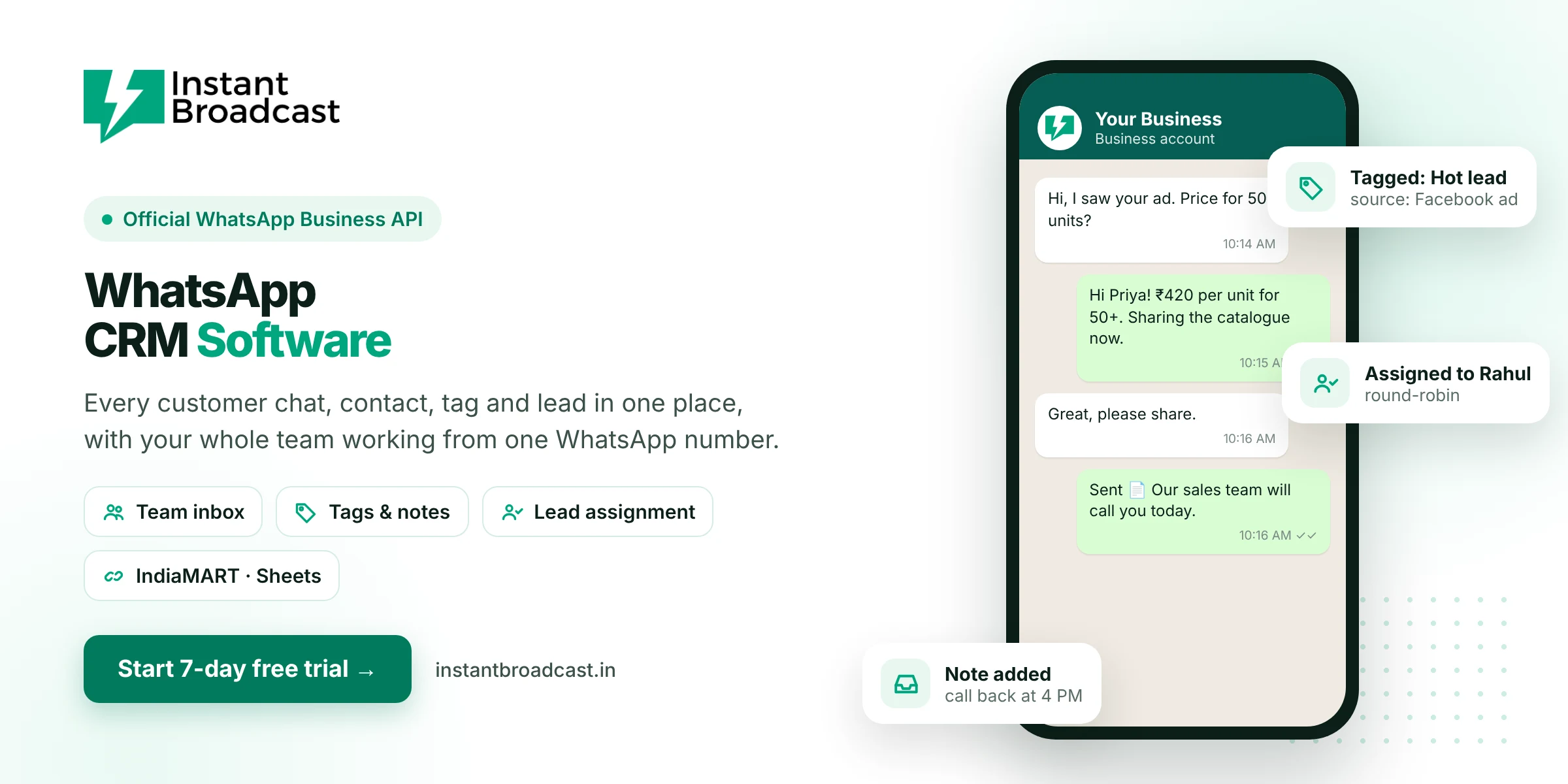
Instant Broadcast is WhatsApp CRM software that keeps every customer contact, conversation, tag, note and lead in one place, with your whole sales and support team working from one official WhatsApp Business API number. No more customer details scattered across phones, diaries and spreadsheets. Try it free for 7 days.
What is WhatsApp CRM software?
A CRM (customer relationship management) system keeps track of your customers and every interaction you have with them. WhatsApp CRM software does this for WhatsApp, the channel where most Indian customers already talk to businesses. It saves every contact and chat, lets you tag and segment customers, assigns conversations to team members, and lets you message customers again with broadcasts and automated follow-ups.
Signs your business needs a WhatsApp CRM
- Customer chats are spread across several staff phones.
- When an employee leaves, their customer chats and contacts leave too.
- Nobody knows which enquiry was answered and which was missed.
- Lead details live in a notebook or a separate Excel sheet.
- Old customers are never contacted again with new offers.
Key WhatsApp CRM features in Instant Broadcast
- Contact manager. Store every customer with name, number and custom details, and import contacts in bulk.
- Tags and segments. Label contacts by lead stage, city, product interest or customer type.
- Shared team inbox. Every chat on your business number is visible to your team, with individual agent logins.
- Auto round-robin assignment. New conversations are shared fairly across your sales team.
- Notes. Agents add notes to chats so anyone can pick up where a colleague left off.
- Broadcasts to segments. Send offers or updates to a chosen group of opted-in contacts.
- Chatbot. A no-code chatbot answers first questions and collects lead details automatically.
- Integrations. Bring in leads from IndiaMART, TradeIndia, Shopify, WooCommerce and Google Sheets, or connect your own CRM through the REST API.
- Mobile app. Agents can reply from Android and iOS apps.
WhatsApp on staff phones vs a WhatsApp CRM
| Area | Chats on staff phones | Instant Broadcast WhatsApp CRM |
|---|---|---|
| Who owns the chats | Each employee | Your business |
| Visibility | Only the phone holder | Owner and team see every chat |
| Lead tracking | Notebook or Excel | Tags, notes and assignment in one place |
| Follow-ups | Depend on memory | Broadcasts and automated reminders |
| Staff changes | Chats leave with the employee | Chats stay with the business number |
How Indian businesses use WhatsApp CRM
- Manufacturers and traders: track IndiaMART and TradeIndia enquiries from first message to order.
- Real estate: tag leads by budget and project, and assign each to a sales executive.
- Education: manage admission enquiries and follow up before batch start dates.
- E-commerce: keep order questions, returns and repeat-customer offers together.
- Service businesses: track appointment requests and send reminders.
Already have a CRM?
If your team already uses another CRM, Instant Broadcast can still handle the WhatsApp side. Use the REST API or Google Sheets integration to sync leads and contacts, so WhatsApp conversations and your CRM records stay connected.
Get started in 4 steps
- Start your 7-day free trial and connect your WhatsApp business number.
- Import your contacts and set up tags for your lead stages.
- Add your team members and turn on round-robin assignment.
- Connect your lead sources, such as IndiaMART or your website.
Official references: Meta’s WhatsApp Business Platform documentation and the WhatsApp Business Messaging Policy.
Frequently asked questions
What is a WhatsApp CRM?
A WhatsApp CRM stores your customer contacts and WhatsApp conversations in one system, with tags, notes, team assignment and follow-up tools, so no lead or customer chat is lost.
Which is the best WhatsApp CRM in India?
Look for one built on the official WhatsApp Business API with a shared team inbox, contact tags, lead assignment, broadcasts and integrations with your lead sources. Instant Broadcast offers these with a 7-day free trial.
Can my whole team use one WhatsApp number?
Yes. Multiple agents can work on one business number, each with their own login, through the shared team inbox.
Can I import my existing contacts?
Yes. You can import contacts in bulk and organise them with tags and segments.
Does it work with IndiaMART leads?
Yes. Instant Broadcast integrates with IndiaMART and TradeIndia so new enquiries come into WhatsApp and can be assigned to your team.
Can I connect it to my existing CRM?
Yes. Use the REST API or Google Sheets integration to sync leads and contacts with the CRM you already use.
What happens to chats when an employee leaves?
The chats stay on your business number in the team inbox, so a colleague can continue the conversation.
Is there a free trial?
Yes. You can try Instant Broadcast free for 7 days.