

TradeIndia Lead Notification on WhatsApp: Never Miss a B2B Enquiry
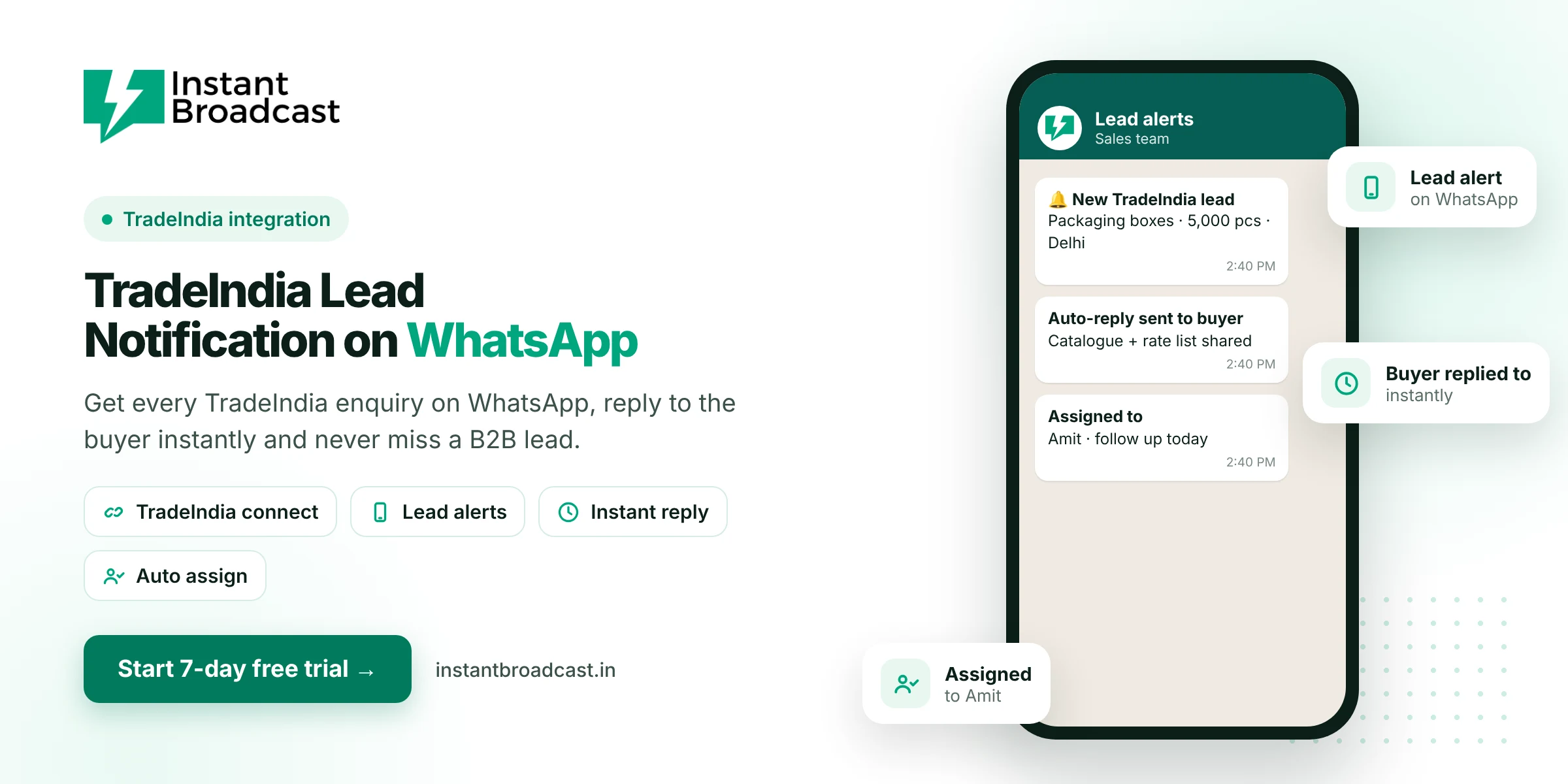
Instant Broadcast connects TradeIndia to the official WhatsApp Business API, so every new TradeIndia enquiry becomes a WhatsApp lead alert for your team and the buyer gets an instant WhatsApp reply. Leads are assigned to a salesperson automatically and tracked in a shared inbox, so no B2B enquiry slips through. Try it free for 7 days.
Why TradeIndia Lead Notification on WhatsApp Beats Manual Checking
- Enquiries sit unseen until someone logs in to the dashboard or checks email.
- Buyers move on. B2B buyers usually contact several suppliers, and slow replies lose orders.
- Leads get lost between email, notebooks and staff phones.
- No accountability. Nobody can tell who followed up and who didn't.
How TradeIndia lead notifications work
- A buyer sends an enquiry on TradeIndia.
- The lead syncs to Instant Broadcast through the TradeIndia integration.
- The buyer gets an instant WhatsApp reply, such as a thank-you with your catalogue or rate list.
- The lead appears in your shared inbox, tagged as a TradeIndia lead with the buyer's requirement.
- It is assigned to a salesperson by round-robin, who follows up the same day.
Notifications vs manual checking
| Manual TradeIndia checking | With Instant Broadcast | |
|---|---|---|
| When you see the lead | When someone logs in | As soon as it syncs |
| First reply to the buyer | Hours later | Instant WhatsApp message |
| Who owns the lead | Unclear | Assigned salesperson |
| Follow-up tracking | Notebook or Excel | Tags and notes in the inbox |
What to include in the buyer's first message
- A thank-you that mentions the product they asked about
- Your catalogue, brochure or rate list as a PDF
- Quick-reply buttons such as "Get best price", "Call me" and "Share specifications"
- When your team will contact them
Set up TradeIndia lead notifications
- Start your 7-day free trial and connect your WhatsApp business number to the official API.
- Connect your TradeIndia account in the integrations section. Our team can help on a call.
- Create and get approval for your welcome template.
- Add your sales team and turn on round-robin assignment.
- Send a test enquiry and check that the alert and the reply both work.
One inbox for all your B2B leads
TradeIndia leads land in the same shared inbox as your IndiaMART enquiries, website leads, ad leads and broadcast replies. Your team works from one place, and owners can see every conversation.
Also on IndiaMART? Read IndiaMART lead automation on WhatsApp. For the full picture, see our WhatsApp API integration service.
Further reading: Harvard Business Review on how quickly online leads go cold and the WhatsApp Business Messaging Policy.
Frequently asked questions
Can I get TradeIndia leads on WhatsApp?
Yes. Instant Broadcast integrates with TradeIndia, so new enquiries sync into WhatsApp as lead alerts and the buyer can get an instant reply.
Does the buyer get an automatic reply?
Yes. An approved welcome template can be sent to the buyer on WhatsApp as soon as the lead syncs.
Can TradeIndia leads be assigned to my sales team?
Yes. Leads can be auto-assigned by round-robin and handled in the shared team inbox.
Do I need technical skills to connect TradeIndia?
No. The integration is set up without code, and our team can help on a call.
Can I manage IndiaMART and TradeIndia leads together?
Yes. Both integrations feed the same shared inbox.
What should my first reply include?
A thank-you, the product name, your catalogue or rate list, and clear next-step buttons.
What does it cost?
Normal WhatsApp message rates apply, plus your Instant Broadcast subscription. See the pricing page for rates.
Is there a free trial?
Yes. You can try Instant Broadcast free for 7 days.