

WhatsApp API Integration Service: Connect WhatsApp to Your Business Tools
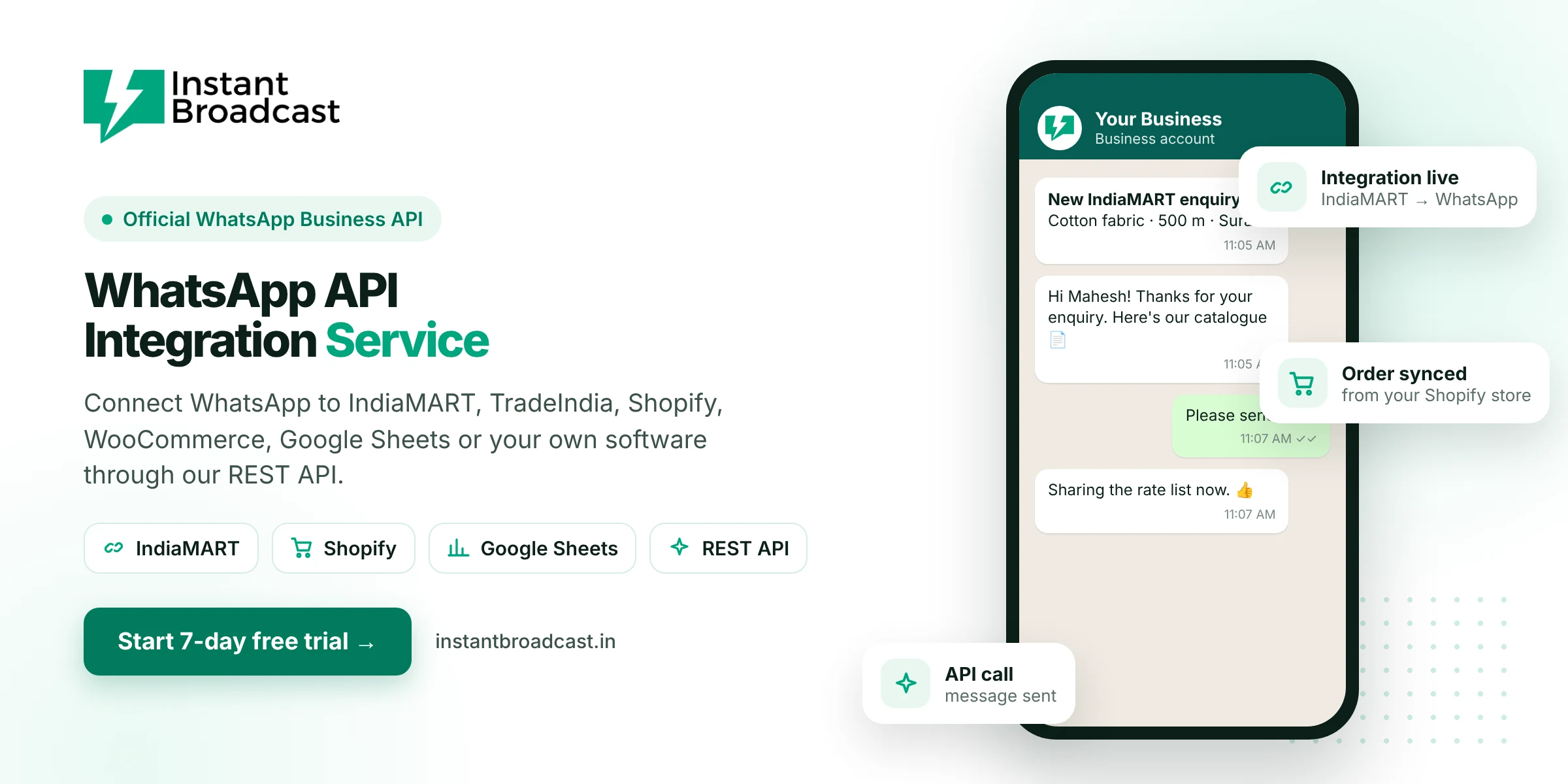
Instant Broadcast's WhatsApp API integration service connects the official WhatsApp Business API to the tools your business already uses, including IndiaMART, TradeIndia, Shopify, WooCommerce, Google Sheets and your own software through a REST API. Leads, orders and events in those tools can then trigger WhatsApp messages automatically. Try it free for 7 days.
What a WhatsApp API Integration Service Connects
WhatsApp API integration means linking WhatsApp to another system so the two share data and actions. For example, when a new IndiaMART enquiry arrives, the buyer gets an instant WhatsApp reply. When a Shopify order is placed, the customer receives a confirmation on WhatsApp. When a row is added to a Google Sheet, that contact receives a message. Your team stops copying data between apps, and customers hear from you faster.
Ready-made integrations
| Integration | What it does |
|---|---|
| IndiaMART | New buyer enquiries get an instant WhatsApp reply and are added to your team inbox |
| TradeIndia | New leads sync to WhatsApp for fast follow-up |
| Shopify | Order and form events trigger WhatsApp messages to customers |
| WooCommerce | Store events such as new orders can trigger WhatsApp updates |
| Google Sheets | Send messages to contacts in a sheet and sync leads both ways |
| REST API | Connect your own CRM, ERP, app or website to send and receive messages |
Why integrate WhatsApp with your systems
- Faster response to leads. Buyers get a reply within moments instead of hours.
- No manual copy-paste. Data moves automatically between your tools and WhatsApp.
- Fewer missed updates. Order, payment and delivery messages go out every time.
- One inbox for every source. Leads from marketplaces, your store and ads come together for your team.
- Better tracking. Every conversation is tied to a contact, with tags and notes.
Popular integration use cases
- B2B sellers: IndiaMART enquiry → instant WhatsApp reply with catalogue → round-robin assignment to sales.
- Online stores: order placed → WhatsApp confirmation; shipped → tracking update.
- Service businesses: form submitted on the website → WhatsApp acknowledgement → follow-up reminder.
- Custom CRMs: deal stage changes in your CRM → WhatsApp update to the customer through the REST API.
- Operations teams: a Google Sheet of dispatches → WhatsApp delivery updates to each customer.
How the integration process works
- Connect WhatsApp. Start your 7-day free trial and connect your business number to the official API with our team's help.
- Choose your integration. Pick a ready-made connector, or get API access for your developers.
- Map the events. Decide which event sends which WhatsApp template, such as new lead → welcome message.
- Get templates approved. Submit the message templates the integration will use.
- Test and go live. Send test events, check the messages and switch it on.
Built on the official WhatsApp API
All integrations run on Meta's official WhatsApp Business Cloud API. Messages go out under your business name, follow WhatsApp's template rules and appear in your shared team inbox, so your team can carry on the conversation when customers reply.
Official references: Meta’s WhatsApp Business Platform documentation and the WhatsApp Business Messaging Policy.
Frequently asked questions
What is a WhatsApp API integration service?
It is a service that connects the WhatsApp Business API to your other business tools, such as marketplaces, online stores, spreadsheets or CRMs, so events in those tools can send WhatsApp messages automatically.
Can I integrate IndiaMART with WhatsApp?
Yes. Instant Broadcast integrates with IndiaMART so new enquiries can get an instant WhatsApp reply and appear in your team inbox.
Does Instant Broadcast integrate with Shopify and WooCommerce?
Yes. Store events from Shopify and WooCommerce can trigger WhatsApp messages such as order confirmations.
Can I connect my own CRM or software?
Yes. Use the Instant Broadcast REST API to send and receive WhatsApp messages from your own CRM, ERP, app or website.
Do I need a developer?
Not for the ready-made integrations. A developer is needed only if you connect your own software through the REST API.
Can I send WhatsApp messages from Google Sheets?
Yes. The Google Sheets integration lets you message contacts from a sheet and sync leads.
Are integrated messages sent through the official API?
Yes. All messages are sent through Meta's official WhatsApp Business Cloud API using approved templates.
Is there a free trial?
Yes. You can try Instant Broadcast free for 7 days.