

How to Automate WhatsApp Messages for Business: A Practical Guide
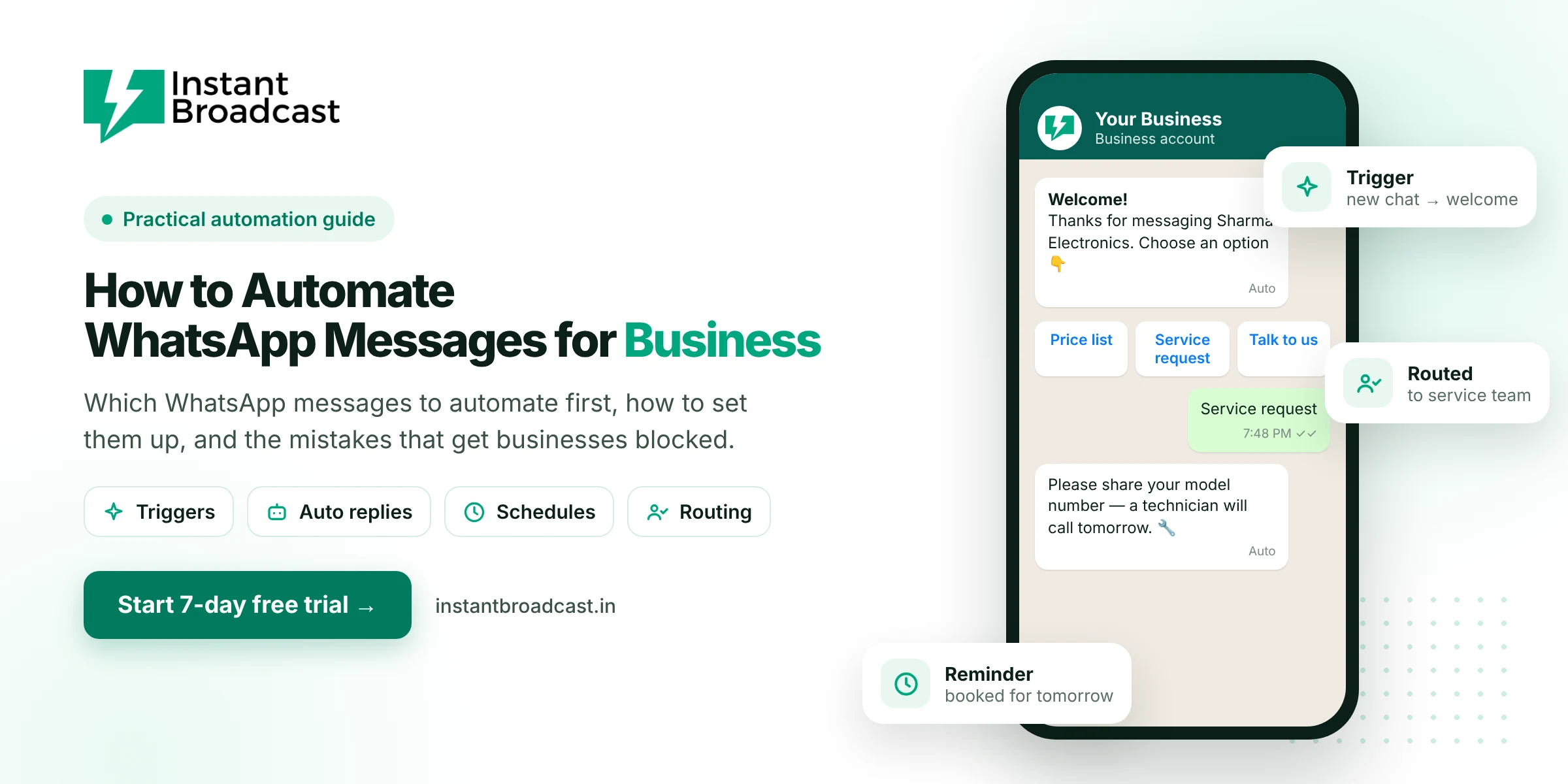
To automate WhatsApp messages for your business, connect your number to the official WhatsApp Business API through a platform like Instant Broadcast. Then set up three kinds of automation: instant replies to new chats, messages triggered by events (orders, form fills, new leads), and scheduled messages such as reminders. Start with the one or two messages your team sends most often, and build from there.
Most businesses we talk to don't need fifty automations. They need the five messages they type every single day to stop depending on whoever happens to be holding the phone.
How to Automate WhatsApp Messages for Business: What the Free App Can’t Do
The WhatsApp Business app has a greeting message, an away message and quick replies (saved text you insert manually). That's useful, but it isn't real automation. It can't send an order confirmation when someone buys on your website, remind a customer about tomorrow's appointment, or route an enquiry to the right salesperson. For that you need the WhatsApp Business API.
And please skip the "auto sender" Chrome extensions and APK tools. They automate WhatsApp Web against WhatsApp's terms, and numbers using them get banned regularly. It's not worth risking the number your customers know.
The three types of WhatsApp automation
| Type | Triggered by | Examples |
|---|---|---|
| Conversational | A customer messaging you | Welcome menu, FAQ answers, lead questions, routing to sales or support |
| Event-based | Something happening in another tool | Order placed, payment received, IndiaMART enquiry, form submitted |
| Scheduled | A date or time | Appointment reminders, fee reminders, renewal notices, campaigns |
What to automate first
Look at your WhatsApp chats from last week and count the messages you typed more than ten times. For most businesses, the list looks like this:
- The first reply to a new enquiry: "Thanks for messaging, here's our price list / catalogue / timings."
- Order or booking confirmation.
- Payment reminders for invoices or fees.
- Appointment or visit reminders the day before.
- Answers to the same three or four questions: location, COD, delivery time, availability.
Automate these five and you've usually removed most of the repetitive typing.
Step-by-step: setting up your first automations
Step 1: Connect WhatsApp to the API
Sign up with Instant Broadcast (there's a 7-day free trial), connect your business number and verify it with the OTP. See how to get WhatsApp Business API in India for the details.
Step 2: Build a welcome flow
In the no-code chatbot builder, create a greeting with three or four buttons, for example: Price list · Catalogue · Track order · Talk to us. Link each button to an answer, a file or a handoff to your team. This one flow handles most first messages.
Step 3: Connect your event sources
Link the tools where things happen: Shopify or WooCommerce for orders, IndiaMART or TradeIndia for leads, Google Sheets for registrations or invoices, or your own software through the REST API.
Step 4: Create and approve templates
Every message your business starts, such as confirmations, reminders and offers, needs an approved template. Write them plainly, add variables like name and order number, and keep promotions out of transactional templates.
Step 5: Map events to messages
Connect each trigger to its template: order placed → confirmation; enquiry received → welcome reply; due date minus one day → reminder.
Step 6: Set up routing
Turn on round-robin assignment so new conversations are shared across your team, and make sure every chatbot path ends in a "Talk to a person" option.
Step 7: Test like a customer
Message your own number from a personal phone, place a test order and fill your own form. Fix anything that feels robotic or confusing before going live.
Five mistakes that get automated WhatsApp blocked
- Messaging people who never opted in. The single biggest cause of blocks and reports.
- Automating too many promotions. Weekly offers to your whole list will cost you followers.
- No way out of the bot. Customers who can't reach a human get frustrated.
- Reminders at odd hours. Schedule sends for reasonable times in IST.
- Never reviewing the flows. Check chats every week and fix where people drop off.
What automation costs
Chatbot replies inside the 24-hour customer service window don't need templates. Event-based and scheduled messages use templates. Utility messages (confirmations, reminders) cost ₹0.15 each and marketing messages ₹1.12 on our India rate card. A business sending 3,000 utility messages a month pays about ₹450 in message charges.
Where to go next
Ready to build the chatbot part? Follow our tutorial on how to create a WhatsApp chatbot without coding, or explore WhatsApp automation software.
Official references: Meta’s WhatsApp Business Platform documentation and the WhatsApp Business Messaging Policy.
Frequently asked questions
How do I automate WhatsApp messages for my business?
Connect your number to the official WhatsApp Business API through a platform like Instant Broadcast, build a welcome chatbot, connect event sources such as your store or lead forms, create approved templates and map each event to a message.
Can I automate WhatsApp with the free WhatsApp Business app?
Only partly. The app has greeting messages, away messages and quick replies, but it can't trigger messages from orders, reminders or lead sources. That needs the API.
Is it safe to use WhatsApp auto-sender tools?
Unofficial auto-sender extensions and apps automate WhatsApp Web against WhatsApp's terms and often lead to bans. Use the official API.
Which WhatsApp messages should I automate first?
The first reply to new enquiries, order or booking confirmations, payment reminders, appointment reminders and answers to common questions.
Can I schedule WhatsApp messages?
Yes. On the WhatsApp Business API you can schedule template messages such as reminders and campaigns.
Do automated WhatsApp messages cost money?
Business-started template messages are charged per message: ₹0.15 for utility and ₹1.12 for marketing on the Instant Broadcast rate card for India. Chatbot replies within the customer service window don't need templates.
Will automation make my business sound robotic?
Not if you write messages the way your team talks, keep them short and always offer a way to reach a person.
Do I need coding to automate WhatsApp?
No. Instant Broadcast's chatbot builder and integrations are no-code.