

WhatsApp Automation Software: Automate Updates, Replies and Follow-ups
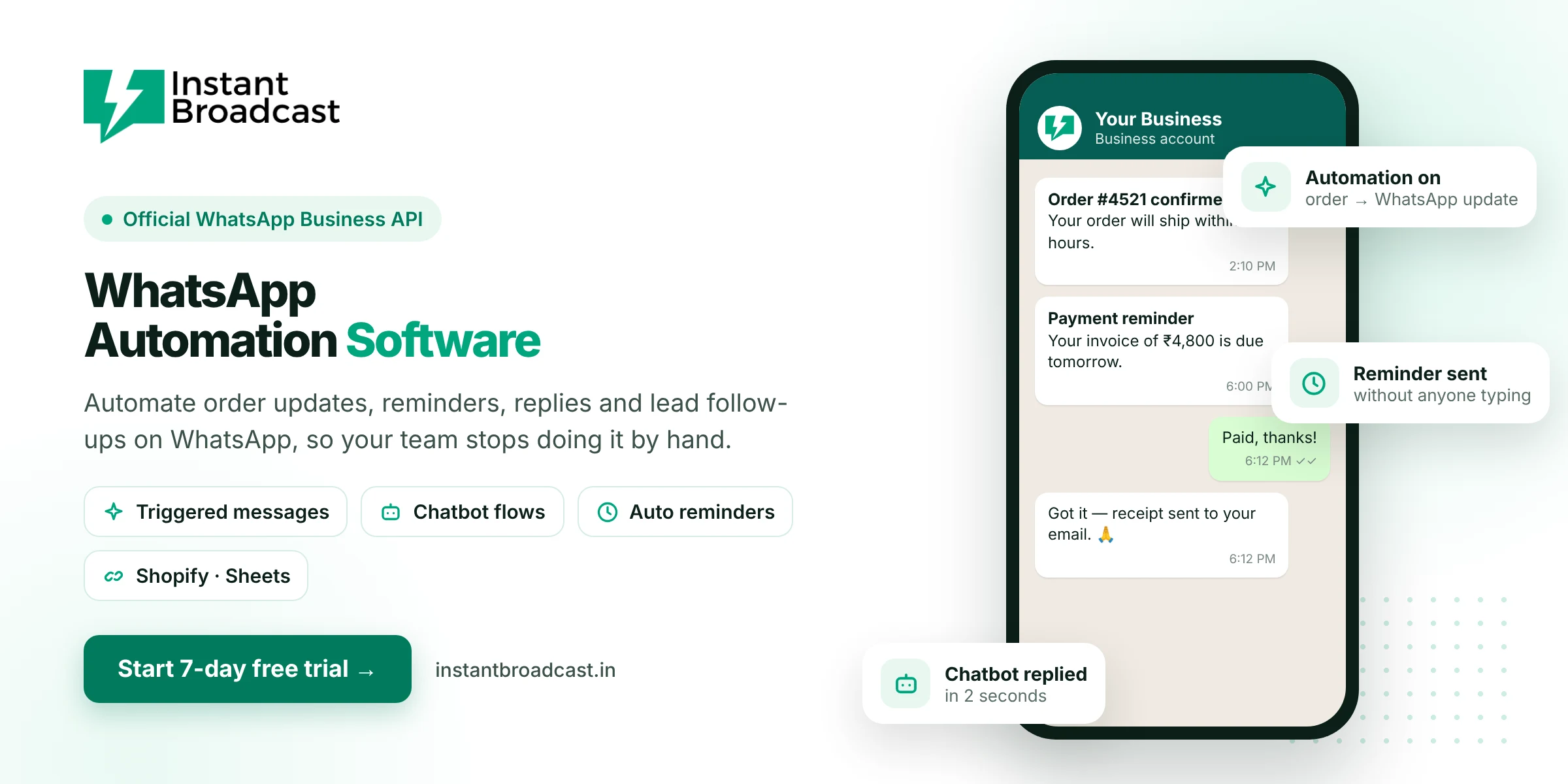
Instant Broadcast is WhatsApp automation software that sends order updates, payment reminders, instant replies and lead follow-ups on WhatsApp automatically, using Meta's official WhatsApp Business API. You set up the rules once, and the messages go out on time without anyone typing them. Try it free for 7 days.
What is WhatsApp automation software?
WhatsApp automation software sends WhatsApp messages for you when something happens. For example, it can send a confirmation when an order is placed, a reminder before a payment is due, or an instant reply when a new lead messages you. It connects WhatsApp to your store, CRM or spreadsheet, and it uses chatbots and triggers so routine messages no longer depend on your team remembering to send them.
What you can automate on WhatsApp
- Order and delivery updates. Confirmations, shipping and delivery messages triggered from your store.
- Payment reminders. Invoice due dates and payment links sent on schedule.
- Instant replies to new enquiries. A chatbot greets every new lead and shares your catalogue or price list.
- Lead assignment. New chats are auto-assigned to sales agents by round-robin.
- Appointment and event reminders. Remind customers about site visits, classes, webinars or clinic visits.
- FAQs. Answer questions on price, timing, location and delivery 24x7.
- Lead sync. New leads from IndiaMART, TradeIndia or Google Sheets get a WhatsApp message automatically.
Manual WhatsApp vs automated WhatsApp
| Task | Done manually | With Instant Broadcast |
|---|---|---|
| Order confirmation | Staff copy-pastes each one | Sent automatically from your store |
| Night-time enquiry | Answered next morning | Chatbot replies instantly |
| Payment reminders | Often forgotten | Scheduled and sent on time |
| Lead distribution | Owner forwards chats | Round-robin auto-assignment |
| IndiaMART leads | Checked and called later | Instant WhatsApp reply |
Key automation features in Instant Broadcast
- No-code chatbot flow builder. Build reply flows with buttons and questions using drag and drop.
- Triggered messages. Send templates automatically when an event happens in a connected tool.
- Scheduled messages. Plan reminders and campaigns in advance.
- Auto round-robin assignment. Share new conversations fairly across your team.
- Integrations. IndiaMART, TradeIndia, Shopify, WooCommerce, Google Sheets and a REST API for custom systems.
- Human handoff. When a customer needs a person, the chat moves to the shared team inbox with full history.
- AI chatbot add-on. Train an AI chatbot on your own content for open-ended questions (additional charges apply).
Real examples of WhatsApp automation
- Online store: order placed → confirmation; shipped → tracking link; delivered → review request.
- IndiaMART seller: new enquiry → instant WhatsApp reply with catalogue → lead assigned to a salesperson.
- Coaching institute: enquiry → course details and fee structure → demo class reminder.
- Real estate: ad lead → project brochure → site-visit booking → reminder the day before.
- Distributor: invoice created → payment reminder on due date → thank-you after payment.
How to set up WhatsApp automation
- Start your 7-day free trial and connect your WhatsApp business number.
- Pick your first automation, such as a welcome reply for new chats.
- Build the flow in the chatbot builder or connect your store or lead source.
- Create and get approval for any templates the automation sends.
- Turn it on and watch replies and assignments in the team inbox.
Start with one or two automations that save the most time, then add more as your team gets comfortable.
Official references: Meta’s WhatsApp Business Platform documentation and the WhatsApp Business Messaging Policy.
Frequently asked questions
What is WhatsApp automation?
WhatsApp automation means sending WhatsApp messages automatically based on rules or events, such as an order being placed or a new lead messaging you, instead of typing each message by hand.
Is WhatsApp automation allowed?
Yes, when it runs on the official WhatsApp Business API and you message customers who opted in. Automating the WhatsApp app or WhatsApp Web with unofficial tools is against WhatsApp's terms.
Do I need coding to automate WhatsApp?
No. Instant Broadcast's chatbot flow builder and integrations are no-code. A REST API is available if your developers want custom automations.
Can I automate WhatsApp messages from Shopify or WooCommerce?
Yes. Instant Broadcast integrates with Shopify and WooCommerce, so order events can trigger WhatsApp messages.
Can WhatsApp automation reply to IndiaMART leads?
Yes. Connect IndiaMART or TradeIndia and new enquiries can get an instant WhatsApp reply and be assigned to your sales team.
Will automation replace my team?
No. Automation handles routine messages and first replies. When a customer needs a person, the chat moves to your team inbox.
Is the AI chatbot included?
The no-code flow builder chatbot is included in all plans. The AI chatbot is an add-on with additional charges.
Is there a free trial?
Yes. You can try Instant Broadcast free for 7 days.