

WhatsApp Order Confirmation Automation: A Step-by-Step Workflow Guide
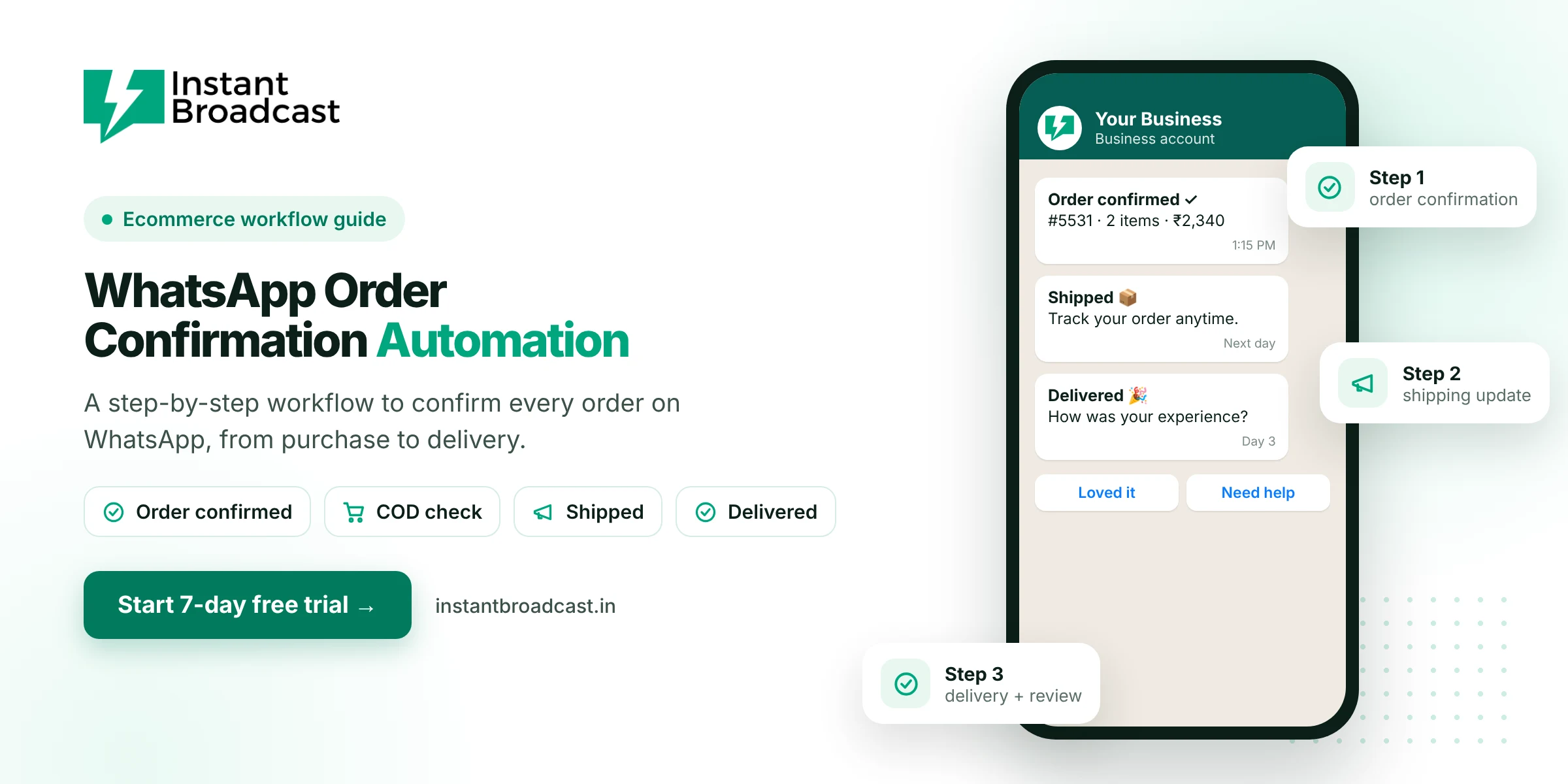
WhatsApp order confirmation automation sends customers a WhatsApp message the moment they order, then keeps them updated through COD confirmation, shipping and delivery, without anyone on your team typing a message. This guide walks through the full workflow, with template examples and costs. Instant Broadcast runs it on Meta's official WhatsApp Business API, connected to Shopify, WooCommerce or your own system.
The Complete WhatsApp Order Confirmation Automation Workflow
| Step | Trigger | WhatsApp message |
|---|---|---|
| 1 | Order placed | Order confirmation with order number, items and amount |
| 2 | COD order placed | "Please confirm your COD order" with Confirm and Cancel buttons |
| 3 | Order packed or shipped | Shipping update with tracking link |
| 4 | Out for delivery | "Arriving today" with a contact option |
| 5 | Delivered | Thank-you and review or feedback request |
Step 1: Order confirmation
Send this straight after checkout. It reassures the customer that the order went through and cuts "did my order work?" calls.
Example: "Hi {{name}}, thanks for your order #{{order_id}} of ₹{{amount}}. We'll let you know when it ships."
Step 2: COD confirmation
For cash-on-delivery orders, ask the customer to confirm before you dispatch. Orders that aren't confirmed can be called or held, which helps reduce fake orders and return costs.
Example: "Hi {{name}}, please confirm your COD order #{{order_id}} for ₹{{amount}}." Buttons: Confirm order · Cancel.
Step 3: Shipping update
Example: "Good news, {{name}}! Order #{{order_id}} has shipped. Track it here: {{link}}"
Step 4: Delivery and feedback
Example: "Your order #{{order_id}} has been delivered. How was your experience?" Buttons: Loved it · Need help.
How to set up the workflow in Instant Broadcast
- Connect WhatsApp: start your 7-day free trial and connect your business number.
- Connect your store: Shopify and WooCommerce integrations, or the REST API for custom systems.
- Create templates for each step and submit them for Meta's approval.
- Map events to templates and fill the variables: name, order ID, amount and tracking link.
- Test with a real order on your own number, then go live.
- Route replies to the shared team inbox, with a chatbot for common questions.
What it costs
Plain order, shipping and delivery updates are utility messages, which cost ₹0.15 each on the Instant Broadcast rate card for India. A store sending four updates per order pays about ₹0.60 in message charges per order. Keep these messages free of promotions, because promotional content makes Meta class them as marketing, at ₹1.12 per message.
Tips for a smooth workflow
- Collect WhatsApp opt-in at checkout.
- Use the customer's first name and the real order number.
- Keep each message short, with one clear action.
- Stop sending updates when an order is cancelled.
- Check delivery reports weekly for failed numbers.
Store on Shopify? See WhatsApp automation for Shopify stores.
Official references: Shopify’s webhooks documentation and Meta’s WhatsApp Business Platform documentation.
Frequently asked questions
What is WhatsApp order confirmation automation?
It is sending an automatic WhatsApp message to customers when they place an order, followed by updates such as COD confirmation, shipping and delivery, triggered by your store.
How much does an automated order confirmation cost?
Plain order updates are utility messages at ₹0.15 each on the Instant Broadcast rate card for India.
Can customers confirm COD orders on WhatsApp?
Yes. Send a COD confirmation template with Confirm and Cancel buttons before dispatch.
Which stores can I connect?
Instant Broadcast integrates with Shopify and WooCommerce, and other systems can connect through the REST API.
Do order messages need template approval?
Yes. Business-initiated messages must use templates approved by Meta.
What happens when a customer replies to an order update?
The reply goes to your shared team inbox, where the chatbot or an agent can respond.
Should I add offers to order confirmations?
Keep order updates transactional. Adding promotions can make Meta classify them as marketing, which costs more.
Is there a free trial?
Yes. You can set up and test the workflow during the 7-day free trial.