

WhatsApp Automation for Shopify Stores: Connect Your Store in Minutes
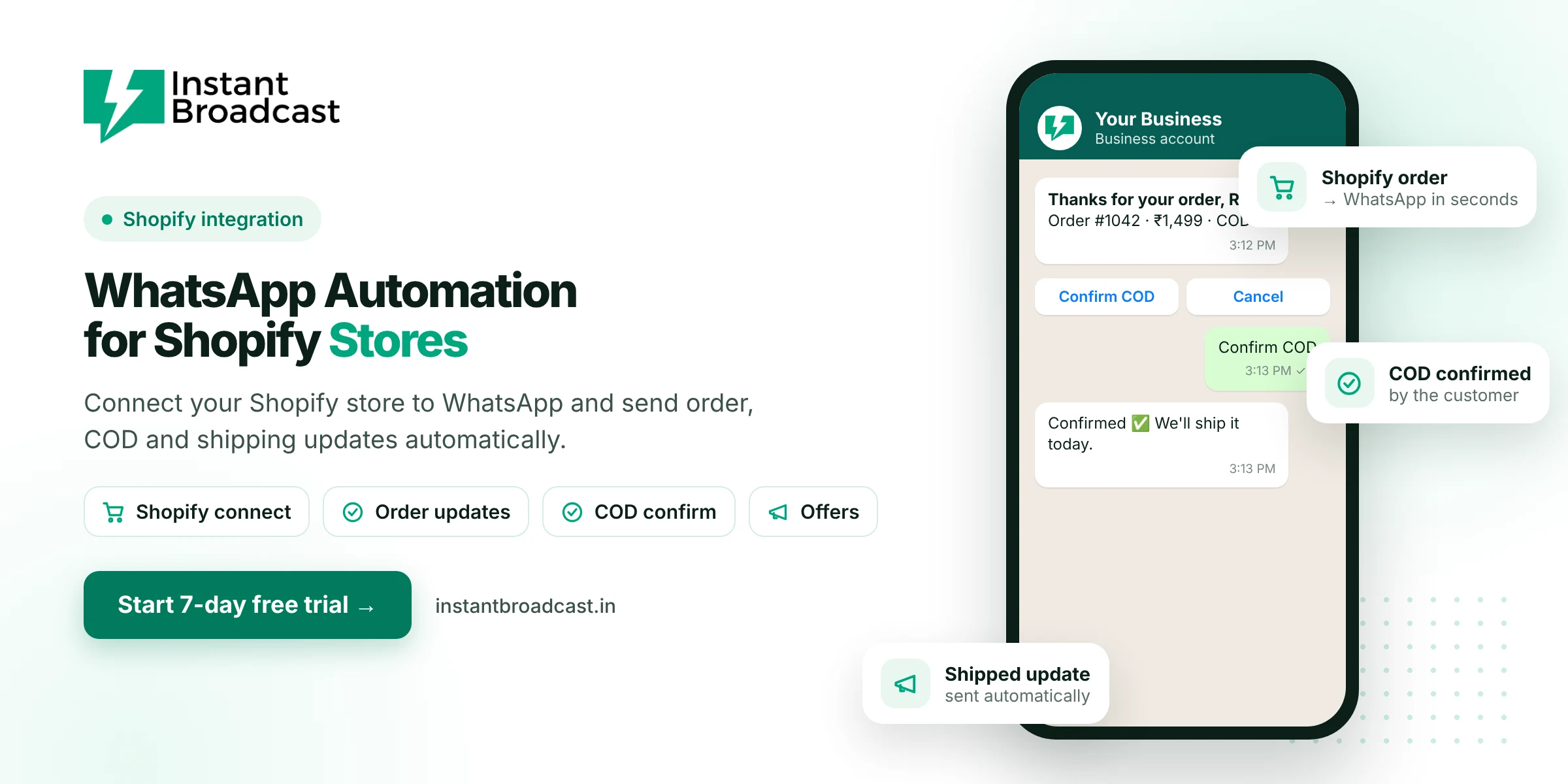
Instant Broadcast connects your Shopify store to the official WhatsApp Business API, so order confirmations, COD confirmations, shipping updates and offers go out on WhatsApp automatically. Shopify events trigger approved WhatsApp templates, and customer replies land in your shared team inbox. Try it free for 7 days.
Why WhatsApp Automation for Shopify Stores Pays Off in India
- Customers check WhatsApp, not email. Order and delivery updates are seen quickly.
- COD needs confirming. Cash-on-delivery is common in India, and confirming COD orders before dispatch helps cut fake orders and returns.
- Fewer "where is my order?" questions. Proactive shipping updates reduce support load.
- Repeat sales. Launches and restocks reach opted-in buyers directly.
What the Shopify + WhatsApp integration automates
| Shopify event | WhatsApp message |
|---|---|
| Order placed | Order confirmation with items and amount |
| COD order placed | "Confirm your COD order" with Confirm and Cancel buttons |
| Order fulfilled or shipped | Shipping update with tracking link |
| Order delivered | Thank-you and review request |
| Form submitted | Acknowledgement and next steps |
Want cart recovery too? See WhatsApp abandoned cart recovery.
How to connect Shopify to WhatsApp
- Start your 7-day free trial and connect your WhatsApp business number to the official API.
- Connect your Shopify store from the integrations section. Our team can help on a call.
- Create templates for order confirmation, COD confirmation and shipping, then submit them for approval.
- Map each Shopify event to its WhatsApp template, and add variables such as name, order number and amount.
- Place a test order, check the messages on your phone and go live.
Template tips for Shopify stores
- Keep transactional messages plain. Order and shipping updates without promotions are classed as utility, which costs ₹0.15 per message on our India rate card.
- Use buttons. "Confirm COD", "Track order" and "Need help" get faster responses than text.
- Personalise. Add the customer's first name and order number.
- Send offers separately. Promotions are marketing messages (₹1.12 on our India rate card). Send them to opted-in segments, not inside order updates.
Handle replies with your team and chatbot
When customers reply to an order update, the conversation lands in your shared team inbox. A no-code chatbot can answer common questions such as delivery time, COD, sizes and returns, and pass anything else to an agent with the full history. Agents can reply from the web or the Android and iOS apps.
Collect WhatsApp opt-in at checkout
Add a clear line or checkbox at checkout saying customers will receive order updates on WhatsApp, and offer an easy way to stop. Opt-in keeps you within WhatsApp's policies and protects your number's quality rating.
Looking beyond Shopify? Read our guide to WhatsApp marketing automation for ecommerce.
Official references: Shopify’s webhooks documentation and Meta’s WhatsApp Business Platform documentation.
Frequently asked questions
Can I connect Shopify to WhatsApp?
Yes. Instant Broadcast integrates with Shopify, so store events can send WhatsApp messages automatically through the official WhatsApp Business API.
What Shopify messages can be automated on WhatsApp?
Order confirmations, COD confirmations, shipping and delivery updates, review requests and form acknowledgements.
Can customers confirm COD orders on WhatsApp?
Yes. Send a COD confirmation template with Confirm and Cancel buttons and act on their reply before dispatch.
How much do Shopify WhatsApp notifications cost?
Order and shipping updates are utility messages at ₹0.15 each on the Instant Broadcast rate card for India. Promotional messages are ₹1.12 each.
Do I need a developer?
No. The Shopify integration is set up without code, and our team can help on a call.
Where do customer replies go?
Replies go to the shared team inbox, where the chatbot or an agent can respond.
Does it work with WooCommerce too?
Yes. Instant Broadcast also integrates with WooCommerce.
Is there a free trial?
Yes. You can try the Shopify integration during the 7-day free trial.