

25 WhatsApp Marketing Templates for Indian Businesses (Ready to Adapt)
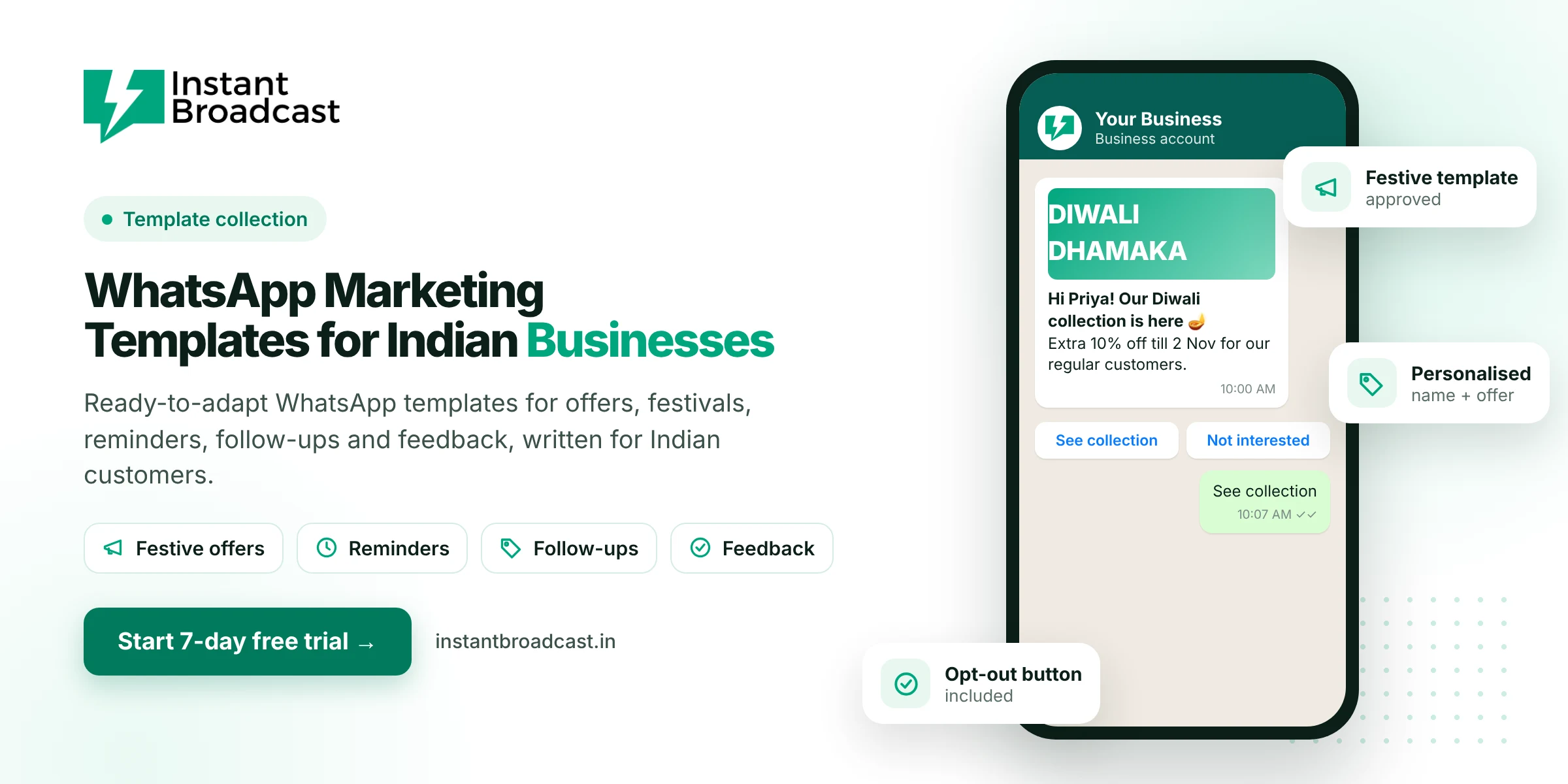
Below are 25 WhatsApp marketing templates written for Indian customers, covering festive offers, product launches, reminders, follow-ups, win-backs and feedback. Each one is short, personal and ready to adapt. Replace the {{1}}, {{2}} placeholders with your own variables, then submit the template for approval on the WhatsApp Business API. We’ve noted which ones are usually treated as marketing and which as utility, because Meta prices them differently.
WhatsApp Marketing Templates for Indian Businesses: 5 Rules Before You Copy
- Lead with the benefit in the first line. That’s what shows in the notification.
- Personalise. {{1}} for the first name beats “Dear Customer” every time.
- One clear action. One or two buttons, not five links.
- Real deadlines only. “Offer valid till 2 Nov” is fine. Fake countdowns are a dark pattern and damage trust.
- Give a way out. A “Stop offers” quick-reply button reduces blocks and protects your number.
Festive and seasonal offers (marketing)
1. Diwali sale
Hi {{1}}! 🪔 Our Diwali collection is here. As one of our regular customers, you get an extra {{2}}% off till {{3}}. Tap below to see it first.
Buttons: See collection · Stop offers
2. Raksha Bandhan gifting
Hi {{1}}, Rakhi is on {{2}} 🎁 Gift hampers start at ₹{{3}}, with free delivery in {{4}}. Order by {{5}} to receive it on time.
3. End-of-season sale
{{1}}, our end-of-season sale is live! Up to {{2}}% off on {{3}}. Sizes are limited, so the best picks go first.
Button: Shop the sale
4. Financial year-end
Hi {{1}}, closing your year-end purchases? Order before {{2}} to get your GST invoice dated this financial year. Reply QUOTE for a quick estimate.
5. Wedding season
Hi {{1}} 💍 Wedding season is here! Book your {{2}} appointment this month and get {{3}} free. Limited slots each week.
Buttons: Book slot · See packages
Launches and announcements (marketing)
6. New product launch
Hi {{1}}! Something new just landed: {{2}}. You’re among the first to see it, before we post it anywhere else.
Button: Take a look
7. Back in stock
Good news, {{1}}: {{2}} is back in stock 🙌 Last time it sold out in {{3}} days.
Button: Buy now
8. New store opening
Hi {{1}}, we’ve opened a new store at {{2}}! Visit before {{3}} and get {{4}} on your first purchase there. 📍
9. Price list update for dealers
Namaste {{1}} ji, our updated rate list effective {{2}} is attached. Prices for {{3}} are unchanged till stock lasts. Reply ORDER to book.
10. Webinar or event invite
Hi {{1}}, join our free live session “{{2}}” on {{3}} at {{4}}. 45 minutes, practical, with Q&A at the end.
Button: Register free
Reminders and updates (usually utility)
11. Appointment reminder
Hi {{1}}, a reminder of your appointment at {{2}} on {{3}} at {{4}}. Please reply if you need to reschedule.
Buttons: Confirm · Reschedule
12. Payment due reminder
Hi {{1}}, invoice {{2}} for ₹{{3}} is due on {{4}}. You can pay here: {{5}}. Ignore this if already paid. 🙏
13. Fee reminder (coaching / school)
Dear {{1}}, the {{2}} instalment of ₹{{3}} for {{4}} is due on {{5}}. Please pay at the office or via {{6}}.
14. Service due reminder
Hi {{1}}, your {{2}} is due for its next service on {{3}}. Book a slot and we’ll send a technician.
Button: Book service
15. Order delivered
Hi {{1}}, your order #{{2}} has been delivered. Hope you love it! Tap below if anything isn’t right.
Follow-ups and lead nurturing (marketing)
16. Enquiry follow-up
Hi {{1}}, you asked about {{2}} last week. Did you get a chance to look at the details? Happy to share a quote or arrange a call.
Buttons: Send quote · Call me
17. Quote follow-up
Hi {{1}}, just checking on the quote we sent for {{2}}. Prices are valid till {{3}}. Any questions we can answer?
18. Site visit / demo follow-up
Thanks for visiting {{2}} today, {{1}}! Sharing the brochure and price sheet here. When would you like to discuss the next step?
19. Abandoned cart
Hi {{1}}, your {{2}} is still in your cart 🛒 COD and easy returns available.
Buttons: Complete order · I have a question
Win-back and loyalty (marketing)
20. We miss you
Hi {{1}}, it’s been a while! Here’s {{2}} off your next order, valid till {{3}}. We’ve added a lot of new things since your last visit.
21. Birthday offer
Happy birthday, {{1}}! 🎂 Here’s a small gift from us: {{2}} on anything this week. Enjoy your day!
22. Loyalty points reminder
Hi {{1}}, you have {{2}} reward points worth ₹{{3}}. They expire on {{4}}, so use them on your next order.
23. Referral ask
Hi {{1}}, glad you liked {{2}}! Know someone who’d love it too? Share your code {{3}}: they get {{4}} off, you get {{5}}.
Feedback and reviews
24. Quick rating
Hi {{1}}, how was your experience with {{2}}? One tap helps us a lot.
Buttons: Great · Okay · Not happy
25. Google review request
Thanks for choosing us, {{1}}! If you have a minute, a Google review would really help a small business like ours: {{2}} 🙏
Marketing vs utility: why it matters
| Category | Examples | Rate (Instant Broadcast, India) |
|---|---|---|
| Marketing | Offers, launches, follow-ups, win-backs | ₹1.12 per message |
| Utility | Reminders, payment dues, delivery updates | ₹0.15 per message |
Meta decides the final category during review. Adding promotional lines to a reminder can turn it into a marketing template.
How to use these templates
- Pick five that match what you send most often.
- Rewrite them in your brand’s voice. Hinglish or a regional language is fine if your customers write that way.
- Submit them for approval in Instant Broadcast.
- Send to a small segment first, check the read and reply rates, then scale.
New to templates? Start with what is WhatsApp Business API.
Official references: Meta’s guide to WhatsApp message templates and the WhatsApp Business Messaging Policy.
Frequently asked questions
What is a WhatsApp message template?
A pre-approved message format that businesses use to start conversations on the WhatsApp Business API, with variables like {{1}} for the customer’s name, plus optional media and buttons.
Can I use these templates on the WhatsApp Business app?
You can send similar messages manually from the app. On the WhatsApp Business API, they must be submitted and approved as templates first.
How long does template approval take?
Many templates are reviewed quickly, often within minutes to hours, but timing depends on Meta’s review.
Why was my WhatsApp template rejected?
Common reasons are misleading or spammy wording, variables without context, the wrong category, or content against WhatsApp’s commerce policy.
What is the difference between marketing and utility templates?
Marketing templates promote offers or products. Utility templates are transactional updates the customer expects. They’re priced differently: ₹1.12 vs ₹0.15 on the Instant Broadcast India rate card.
Can WhatsApp templates be in Hindi or Hinglish?
Yes. Templates can be submitted in supported languages including Hindi, and Hinglish written in Latin script is widely used.
How many buttons should a template have?
Templates support quick-reply and call-to-action buttons. Keep it to one or two clear actions for best results.
Should I include an opt-out in marketing templates?
Yes. A Stop offers button reduces blocks and reports and protects your number’s quality rating.