

What is WhatsApp Business API? A Complete Beginner's Guide
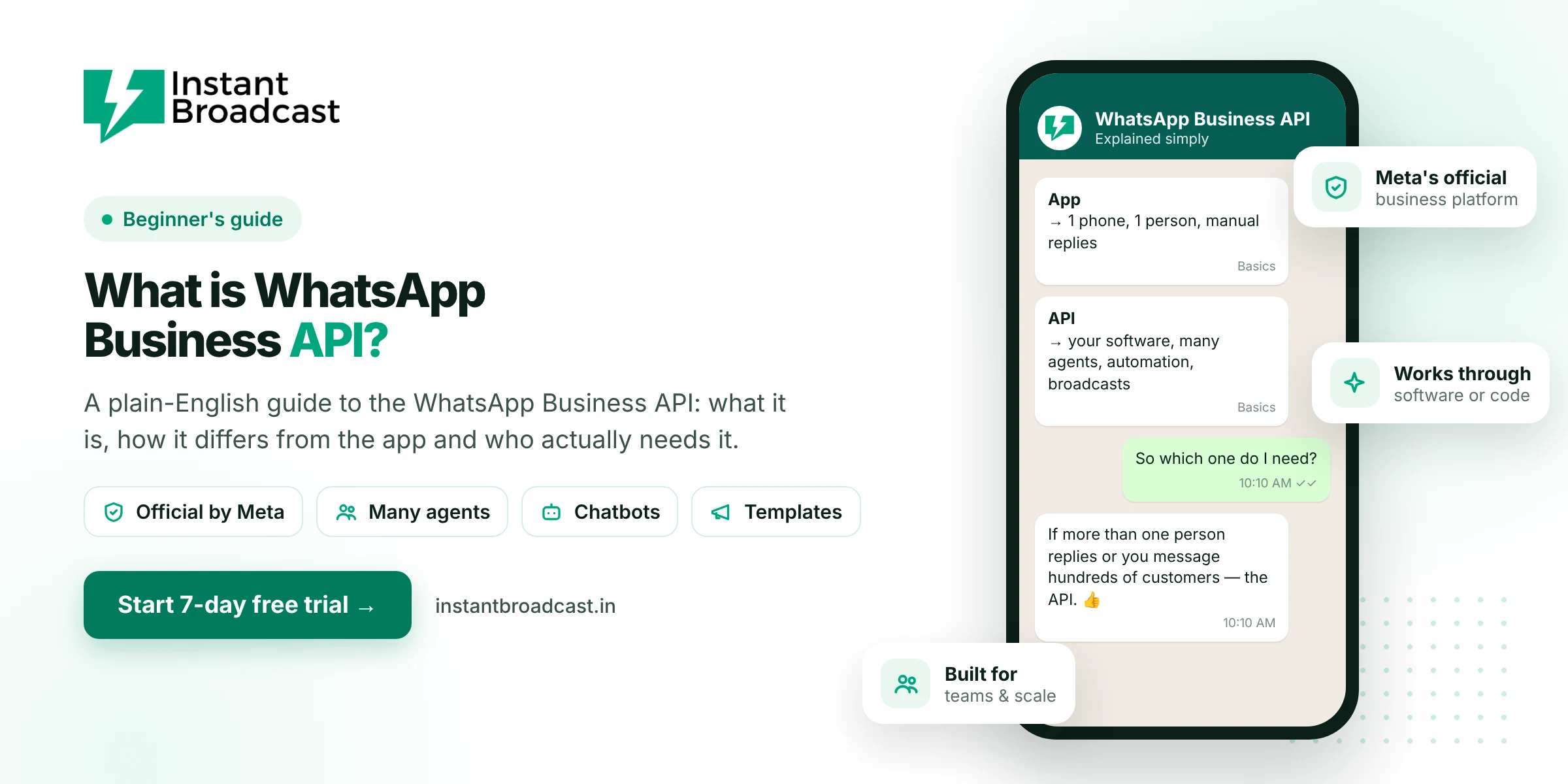
The WhatsApp Business API (now called the WhatsApp Business Platform or Cloud API) is Meta's official way for medium and large businesses to send and receive WhatsApp messages through software instead of a phone. It lets many team members reply from one number, send approved messages to thousands of opted-in customers, run chatbots and connect WhatsApp to tools like your store or CRM. It has no app of its own. You use it through a provider's dashboard or by building on it yourself.
If you've only ever used WhatsApp on your phone, that last sentence is the part that confuses most people. So let's start there.
What is WhatsApp Business API? It Isn’t an App You Download
"API" stands for application programming interface. In plain terms, it's a door that lets one piece of software talk to another. The WhatsApp Business API lets your software, whether that's a marketing dashboard, a CRM, an online store or a chatbot, send and receive WhatsApp messages on behalf of your business number.
That's why you won't find "WhatsApp Business API" on the Play Store. You either:
- sign up with a provider (like Instant Broadcast), which gives you a ready-made dashboard, chatbot builder and team inbox on top of the API, or
- have developers build directly on Meta's Cloud API, which takes real engineering time.
Most small and mid-sized Indian businesses go with a provider. They want WhatsApp to work for sales and support, not a software project.
WhatsApp, WhatsApp Business app and the API: three different things
A quick way to keep them straight:
| WhatsApp (personal) | WhatsApp Business app | WhatsApp Business API | |
|---|---|---|---|
| Made for | Friends and family | Shop owners and solo professionals | Businesses with teams, volume or automation needs |
| How you use it | Phone app | Phone app (plus linked devices) | Software dashboard or code |
| People replying | One | A few, on linked devices | As many agents as your software allows |
| Messaging many customers | No | Small broadcast lists | Large opted-in segments with templates |
| Automation | No | Greeting and away messages | Chatbots, triggers, integrations |
| Cost | Free | Free | Per-message charges plus software |
For a detailed side-by-side, see WhatsApp Business API vs WhatsApp Business app.
How the WhatsApp Business API actually works
There are four ideas you need to understand. Once these click, everything else about the API makes sense.
1. Templates for messages you start
When your business starts a conversation, such as an offer, an order update or a reminder, you must use a message template that Meta has approved in advance. Templates can include the customer's name, an image, a PDF and buttons. This is how Meta keeps WhatsApp from turning into an SMS-style spam channel.
2. The 24-hour customer service window
When a customer messages you, a 24-hour window opens. During it, you can reply with normal free-form messages, just like a regular chat. After 24 hours with no message from the customer, you're back to templates.
3. Opt-in comes first
You can only message people who have agreed to hear from you on WhatsApp, for example at checkout, on a form or by messaging you first. Buying a database of numbers and blasting it is against the rules, and it's the fastest way to get a number restricted.
4. Quality rating and messaging limits
Every business number has a quality rating based on how customers react to your messages. New numbers also have a daily limit on business-started conversations. Keep messages relevant and complete business verification, and the limit goes up. If people block and report you, it goes down.
What it costs
Meta charges per message for templates, and the price depends on the category: marketing, utility (transactional updates) or authentication (OTPs). Replies inside the customer service window are handled differently. Your provider adds a software fee on top.
To give you a concrete idea, on Instant Broadcast's India rate card a marketing message costs ₹1.12, while utility and OTP messages cost ₹0.15 each. We've broken down full monthly examples in our WhatsApp Business API pricing guide.
Who actually needs the API?
Here's an honest rule of thumb. If you're a one-person business replying to 20 chats a day, the free WhatsApp Business app is probably fine. You'll know it's time for the API when one or more of these become true:
- More than one person needs to reply to customers from the same number.
- You want to send offers or updates to hundreds or thousands of customers, not just those who saved your number.
- Enquiries come in at night or while you're busy, and you're losing them.
- Leads arrive from IndiaMART, your website or ads, and you want them answered instantly.
- You run an online store and want order and delivery updates to go out automatically.
A textile trader in Surat with three salespeople, a coaching institute fielding 200 admission enquiries a week, a D2C brand shipping 50 orders a day: these are typical API users.
What you need to get started
- A Meta (Facebook) business portfolio
- A phone number that can receive an OTP
- A display name that matches your business
- Your website or business details, and for higher limits, business verification documents such as a GST certificate
We've written the full process in how to get WhatsApp Business API in India.
Common misconceptions
- "The API means unlimited free messages." No. Business-started messages are paid, and limits apply.
- "I can message anyone once I have the API." Only opted-in customers, and only with approved templates outside the 24-hour window.
- "The API gets me the green tick automatically." The verified badge is a separate review by Meta and is never automatic.
- "I need a developer." Not if you use a provider with a ready dashboard.
Official references: Meta’s WhatsApp Business Platform documentation and the WhatsApp Business Messaging Policy.
Frequently asked questions
What is WhatsApp Business API in simple words?
It is Meta's official system that lets businesses send and receive WhatsApp messages through software instead of a phone, so many team members, chatbots and other tools can use one business number.
Is WhatsApp Business API an app?
No. There's no separate app. You use it through a provider's dashboard, such as Instant Broadcast, or by building on Meta's Cloud API with developers.
What is the difference between WhatsApp Business app and API?
The app is free and made for one person or a few devices. The API is for businesses that need many agents, large opted-in broadcasts, chatbots and integrations, and it charges per message.
Is WhatsApp Business API free?
No. Meta charges per template message by category, and providers charge a software fee.
Do I need a developer to use the WhatsApp Business API?
Not if you use a provider with a ready-made dashboard. Developers are needed only to build directly on Meta's API or connect custom software.
Can I use my existing number with the WhatsApp Business API?
Usually yes. Most numbers can be moved to the API, and your provider will guide you through the process.
What is a WhatsApp message template?
A pre-approved message format that businesses must use when they start a conversation, which can include variables, media and buttons.
Who should use the WhatsApp Business API?
Businesses with more than one person handling chats, large customer lists, many incoming enquiries or a need for automation and integrations.