

WhatsApp Green Tick Verification Assistance: How to Get Your Business Verified
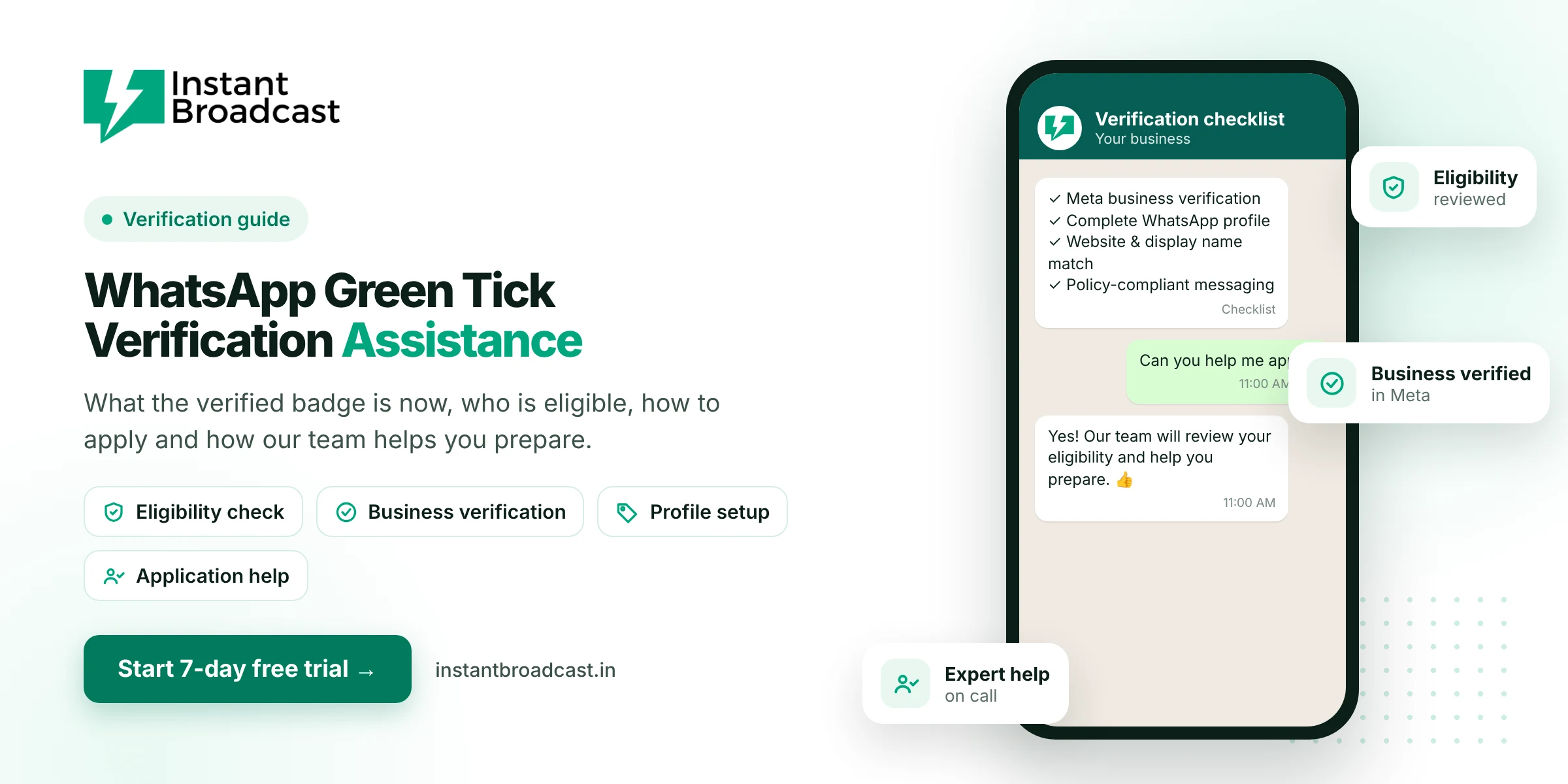
The WhatsApp "green tick" is the verified badge that shows customers a business account is authentic. Meta has since replaced the green tick with a blue verified checkmark as part of Meta Verified for Business. Meta grants the badge after its own review, so no provider can guarantee it. Instant Broadcast helps you check eligibility, complete business verification, set up a strong profile and prepare your application.
WhatsApp Green Tick Verification Assistance: Green Tick vs Blue Tick
For years, verified WhatsApp business accounts showed a green checkmark, and most people in India still call it the "green tick". Meta has moved WhatsApp business verification to a blue checkmark, in line with its Meta Verified badges on Facebook and Instagram. When people search for "WhatsApp green tick", the badge they get today is the blue verified checkmark.
Benefits of a verified badge
- Trust: customers can see that they're talking to the real business, not an impersonator.
- Brand protection: it helps customers tell your account apart from look-alike accounts.
- Credibility in broadcasts, order updates and support chats.
A badge does not guarantee higher sales or better delivery. Good messaging practices matter more.
Eligibility basics
| Requirement | What it means |
|---|---|
| Meta business verification | Your business portfolio is verified with official documents |
| Complete WhatsApp profile | Accurate business name, description, address, website and email |
| Consistent identity | Your display name matches your brand and your website |
| Policy compliance | You follow WhatsApp's Business and Commerce policies |
| Account security | Two-step verification is turned on for your number |
| Notability (for some routes) | Your brand has a recognised presence, such as press coverage |
Meta's exact criteria and routes can change, and the final decision is always Meta's.
How to apply
- Complete Meta business verification in your business portfolio, using documents such as your GST certificate or registration proof.
- Connect your number to the WhatsApp Business API and set an approved display name.
- Complete your WhatsApp profile with a logo, description, website, email and address.
- Turn on two-step verification for the number.
- Submit the verification request through Meta's tools and wait for Meta's review.
How Instant Broadcast assists you
- Eligibility review: we check your setup against current requirements before you apply.
- Business verification help: we guide you on documents and common rejection reasons.
- Profile setup: we make sure your display name, logo and profile details are complete and consistent.
- Application support: we walk you through submitting the request on a call.
- If rejected: we help you understand why and what to improve before reapplying.
Common reasons applications fail
- Business verification not completed, or documents don't match
- Display name differs from the website or registered business name
- Incomplete profile or a website that doesn't load
- Policy issues or a low-quality messaging history
- Not enough public presence for routes that require notability
Getting started on the API? Read WhatsApp Business API provider in India.
Official references: Meta’s WhatsApp Business Platform documentation and the WhatsApp Business Messaging Policy.
Frequently asked questions
Is the WhatsApp green tick still available?
Meta has replaced the green checkmark with a blue verified badge for WhatsApp businesses. When people say "green tick" today, they usually mean this verified badge.
Can Instant Broadcast guarantee the green tick?
No. Meta reviews every application and makes the final decision. We help you check eligibility and prepare a strong application.
Who is eligible for WhatsApp verification?
Businesses with completed Meta business verification, a complete and consistent WhatsApp profile, policy-compliant messaging and two-step verification. Some routes also consider how well known the brand is.
What documents do I need?
Business verification usually needs documents such as your GST certificate, business registration proof and an address that matches your business details.
Do I need the WhatsApp Business API for the badge?
Verification is managed through Meta's tools. Instant Broadcast connects your number to the official API and helps you prepare and submit the request.
How long does verification take?
It depends on Meta's review. Timing varies with application volume and whether your documents meet Meta's criteria.
What if my application is rejected?
We help you understand the likely reasons, fix your profile or verification gaps and prepare before you reapply.
Does a verified badge increase sales?
It builds trust, but it doesn't guarantee more sales. Relevant messaging and fast replies matter more.