

WhatsApp Business API Provider India: Get Official API Access
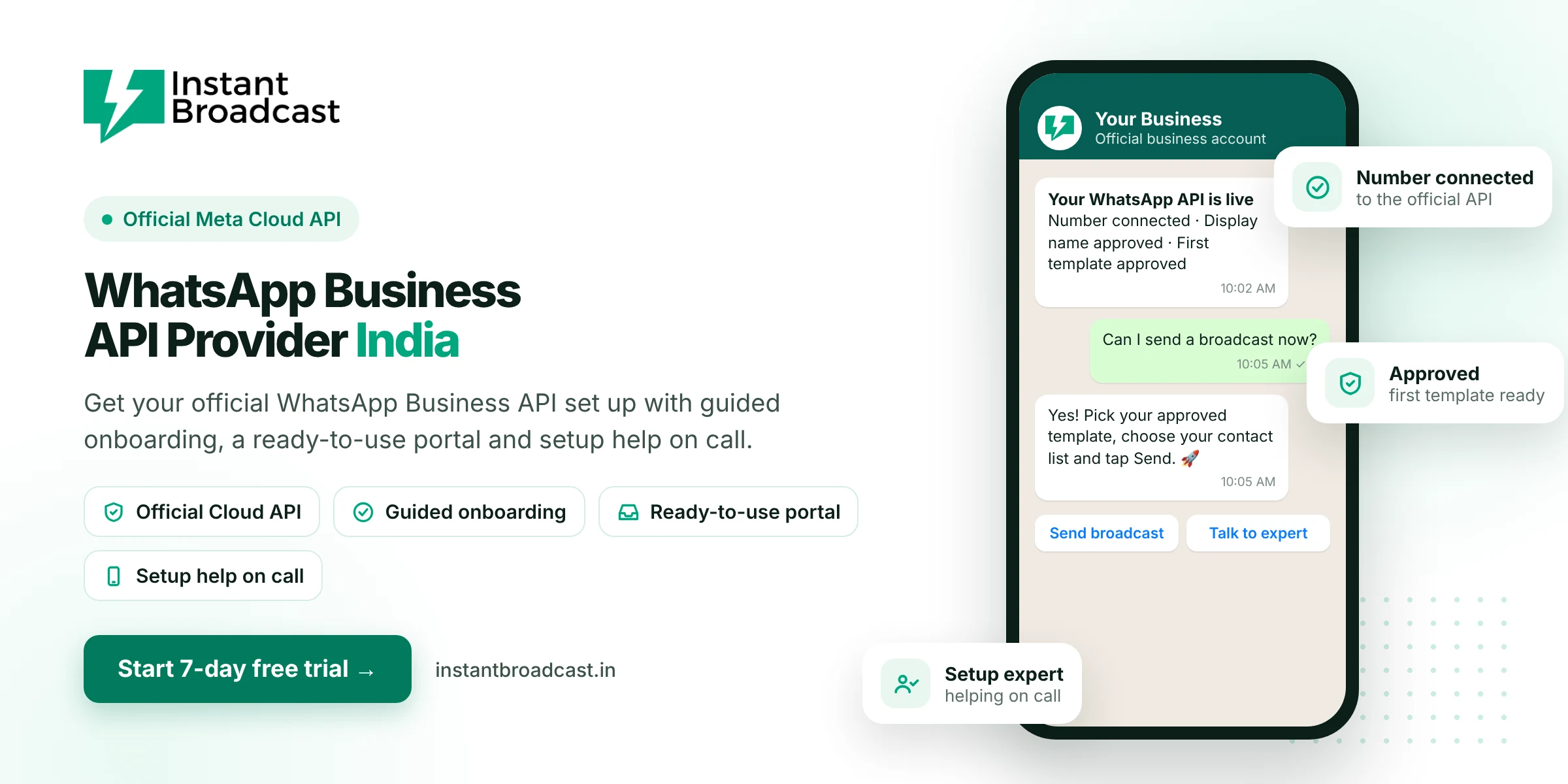
Instant Broadcast is a WhatsApp Business API provider in India that gets your business on Meta's official WhatsApp Cloud API with guided onboarding, a ready-to-use portal and setup help on call. Once you're connected, you can send bulk broadcasts, run a no-code chatbot and handle every customer chat from one shared team inbox. Start with a 7-day free trial.
WhatsApp Business API Provider India: What a Provider Actually Does
The WhatsApp Business API, which Meta now offers as the WhatsApp Cloud API, has no app of its own. Businesses use it through software built by a provider. A WhatsApp Business API provider connects your business number to Meta's API and gives you the tools to actually use it, such as a dashboard for broadcasts, a chatbot builder, a shared inbox and integrations.
You could build directly on Meta's API with your own developers. Most Indian businesses choose a provider instead, because they get a working system in days without writing code.
Why Indian businesses need the WhatsApp Business API
- Message customers at scale. Send offers, order updates and reminders to thousands of opted-in customers, not just a small broadcast list.
- Stay compliant. The official API follows WhatsApp's rules, unlike unofficial bulk-sender tools that can get numbers restricted.
- Reply instantly, 24x7. Chatbots answer common questions the moment a customer messages you, even at night.
- Work as a team. Many team members can reply from one number, each with their own login.
- Connect your tools. Leads from IndiaMART, your Shopify store or Google Sheets can flow straight into WhatsApp.
What you get with Instant Broadcast as your WhatsApp API provider
- Guided onboarding. We help you connect your Meta business portfolio, verify your number and set up your display name.
- Template help. Get support writing message templates that follow WhatsApp's guidelines, so they're more likely to be approved.
- Broadcasts and scheduling. Send approved templates to segmented contact lists now or at a set time.
- No-code chatbot flow builder. Build automated replies with drag and drop.
- Shared team inbox. Agent logins, tags, notes and auto round-robin lead assignment.
- Integrations. IndiaMART, TradeIndia, Shopify, WooCommerce, Google Sheets and a REST API.
- Android and iOS apps. Reply to customers from your phone.
- Green tick assistance. Help checking eligibility for WhatsApp's verified badge.
- Human support. Phone and screen-share help, Monday to Saturday, 10 AM to 7 PM IST.
Build on Meta directly vs use a WhatsApp API provider
| What you need | Build on Meta's API yourself | Instant Broadcast |
|---|---|---|
| Developers | Required | Not needed |
| Time to go live | Weeks of development | Usually days, depending on Meta's reviews |
| Broadcast dashboard | You build it | Included |
| Chatbot builder | You build it | No-code flow builder included |
| Team inbox | You build it | Included, with agent logins |
| Support | Meta developer docs | Phone and screen-share help |
How to choose a WhatsApp Business API provider in India
- Official access. Check that the provider runs on Meta's official WhatsApp Cloud API.
- Clear pricing. Ask for the software fee and per-message charges separately, in rupees, with GST.
- What's included. Some providers charge extra for the chatbot builder or limit team users.
- Onboarding help. A good provider walks you through number verification, display name and templates.
- Integrations. Make sure it connects to the tools you already use.
- Local support. Phone help in your time zone saves days during setup.
- Free trial. Test it with your own customers before you pay.
What you need to get started
- A Meta (Facebook) business portfolio
- A phone number that can receive an OTP by SMS or call
- A display name that matches your business
- Your business website or business details
- For higher messaging limits: business verification documents, such as your GST certificate
New numbers start with a daily limit on business-initiated messages. The limit grows as you keep message quality high and complete business verification.
Get started in 4 steps
- Start your 7-day free trial on Instant Broadcast.
- Connect your business portfolio and verify your number with our team's help.
- Submit your first message template for approval.
- Import your opted-in contacts and send your first broadcast.
Official references: Meta’s WhatsApp Business Platform documentation and the WhatsApp Business Messaging Policy.
Frequently asked questions
Who is the best WhatsApp Business API provider in India?
The best provider for you gives you the official Meta Cloud API, guided onboarding, a portal with broadcasts, chatbot and team inbox, clear rupee pricing and local support. Instant Broadcast offers all of these, with a 7-day free trial.
How do I get the WhatsApp Business API in India?
Sign up with a provider such as Instant Broadcast, connect your Meta business portfolio, verify a phone number and choose a display name. Once your number is live and your first template is approved, you can start messaging customers.
Is the WhatsApp Business API free?
No. Meta charges per message for template messages, based on the message category (marketing, utility or authentication). Replies inside an open customer service window are not charged by Meta. Providers also charge a software fee.
What documents do I need for the WhatsApp Business API?
You need a Meta business portfolio, a phone number that can receive an OTP, a display name that matches your business, and a website or business details. Business verification needs documents such as your GST certificate or registration proof.
Can I use my existing WhatsApp number with the API?
Usually yes. A number already on the WhatsApp Business app can be moved to the API, and our team will guide you through the process for your number.
How long does WhatsApp Business API setup take?
Basic setup can often be completed the same day. Display name review, template approval and business verification are done by Meta, so their timing depends on Meta's review.
Do I get a green tick with the WhatsApp Business API?
Not automatically. The verified badge is granted by Meta to eligible, notable businesses. Instant Broadcast helps you check eligibility and prepare your application.
What is the difference between WhatsApp Business app and WhatsApp Business API?
The app is free and made for one person on one phone. The API is made for businesses that need bulk broadcasts, chatbots, multiple team members and integrations, and it is accessed through a provider's software.