

WhatsApp Business API vs WhatsApp Business App: Feature-by-Feature Comparison
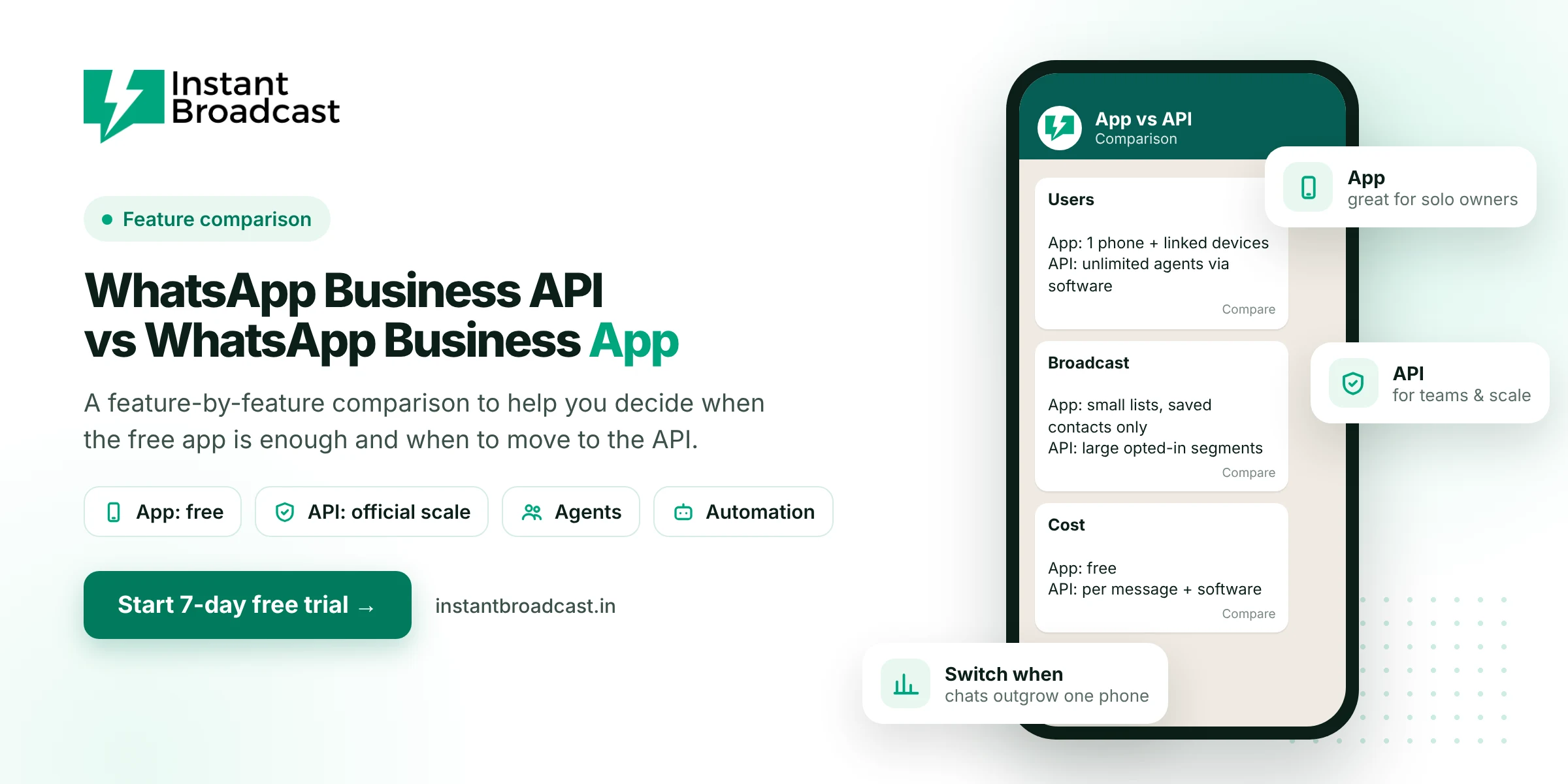
The WhatsApp Business app is a free phone app built for small businesses where one or two people handle chats. The WhatsApp Business API is Meta's platform for businesses that need many agents on one number, large opted-in broadcasts, chatbots and integrations. It runs through software and charges per message. Most businesses start on the app and move to the API when chats outgrow one phone.
WhatsApp Business API vs WhatsApp Business App: Quick Comparison
| Feature | WhatsApp Business app | WhatsApp Business API |
|---|---|---|
| Cost | Free | Per-message charges plus provider software |
| Setup | Download and register in minutes | Business portfolio, number verification, display name approval |
| Who replies | Main phone plus a few linked devices | Many agents with individual logins through software |
| Broadcasts | Lists of up to 256, and only people who saved your number receive them | Approved templates to opted-in segments within your daily limit |
| Automation | Greeting message, away message, quick replies | Chatbots, triggered and scheduled messages |
| Integrations | None | Store, CRM, IndiaMART, Google Sheets, REST API |
| Reports | Basic message stats | Sent, delivered, read and failed per message and campaign |
| Catalogue and labels | Yes | Product messages and tags, depending on your provider |
| Verified badge | Possible through Meta Verified | Possible through Meta's review |
| Rules | WhatsApp Business terms | Templates, opt-in, 24-hour window, quality rating |
What the WhatsApp Business app does well
Don't underestimate the free app. For a salon owner, a local bakery or a freelance consultant, it does a lot:
- A business profile with address, hours, website and catalogue
- Labels to sort chats (New customer, Paid, Pending)
- Quick replies to paste common answers
- Greeting and away messages
- Small broadcast lists
If one person handles 20 to 40 chats a day and you rarely message large groups, the app is honestly enough.
Where the app starts to hurt
- Team growth: three salespeople can't comfortably share one phone, and personal numbers scatter your customer data.
- Broadcast reach: a big share of your list never saved your number, so they never see your offers.
- Night-time enquiries: an away message isn't an answer. Leads go cold by morning.
- Lead sources: IndiaMART, website and ad leads have to be copied into WhatsApp by hand.
- No accountability: owners can't see who replied to whom, or how fast.
What changes when you move to the API
- Your whole team works from one shared inbox with auto assignment.
- Offers reach every opted-in customer, saved number or not.
- A chatbot answers instantly, 24x7, and hands over to people.
- Orders, leads and forms trigger messages automatically.
- You get proper reports on every message and campaign.
The trade-offs: you pay per business-started message, you need approved templates, and you must follow opt-in rules more carefully.
What the API costs compared with the "free" app
The app has no direct cost, but the time does add up. If a staff member spends two hours a day copy-pasting updates and answering the same questions, that's your real cost. On the API, Instant Broadcast's India rate card charges ₹0.15 per utility or OTP message and ₹1.12 per marketing message, with the first 1,000 service messages each month free. See the full pricing breakdown.
Can I use the same number?
Usually yes. A number registered on the WhatsApp Business app can typically be moved to the API. Meta has also introduced options that let some numbers use the app and the API together. Availability depends on your number and region, so ask your provider which route fits you before you change anything.
When to switch: a simple test
Move to the API if two or more of these are true:
- More than one person replies to customers.
- You want to message more than a few hundred customers at a time.
- You get enquiries outside working hours.
- Leads come from IndiaMART, ads, forms or a website.
- You run an online store and send order updates.
Still unsure what the API is? Start with what is WhatsApp Business API, then follow how to get it in India.
Official references: Meta’s WhatsApp Business Platform documentation and the WhatsApp Business Messaging Policy.
Frequently asked questions
What is the main difference between WhatsApp Business app and API?
The app is a free phone app for one or a few users. The API is Meta's platform for businesses that need many agents, large opted-in broadcasts, chatbots and integrations, used through software and charged per message.
Is WhatsApp Business API better than the WhatsApp Business app?
It's better for teams and scale. For a solo owner handling a modest number of chats, the free app is often enough.
Can multiple people use the WhatsApp Business app?
A few people can use linked devices, but it isn't designed for a team. The API supports many agents with individual logins through a shared inbox.
What is the broadcast limit on the WhatsApp Business app?
Each broadcast list holds up to 256 contacts, and only people who saved your number receive the message.
Is the WhatsApp Business API free?
No. Business-started messages are charged per message by category, plus the provider's software fee.
Can I move my WhatsApp Business app number to the API?
Usually yes. Your provider will explain the options for your number, including whether app and API can be used together.
Does the WhatsApp Business API have chatbots?
Yes. The API supports chatbots, triggered messages and integrations. The app only has greeting and away messages.
When should I switch from the app to the API?
When several people reply to customers, you need to message large lists, enquiries come at night, or leads arrive from several sources.