

WhatsApp Marketing Automation for Ecommerce: Recover Carts and Sell More
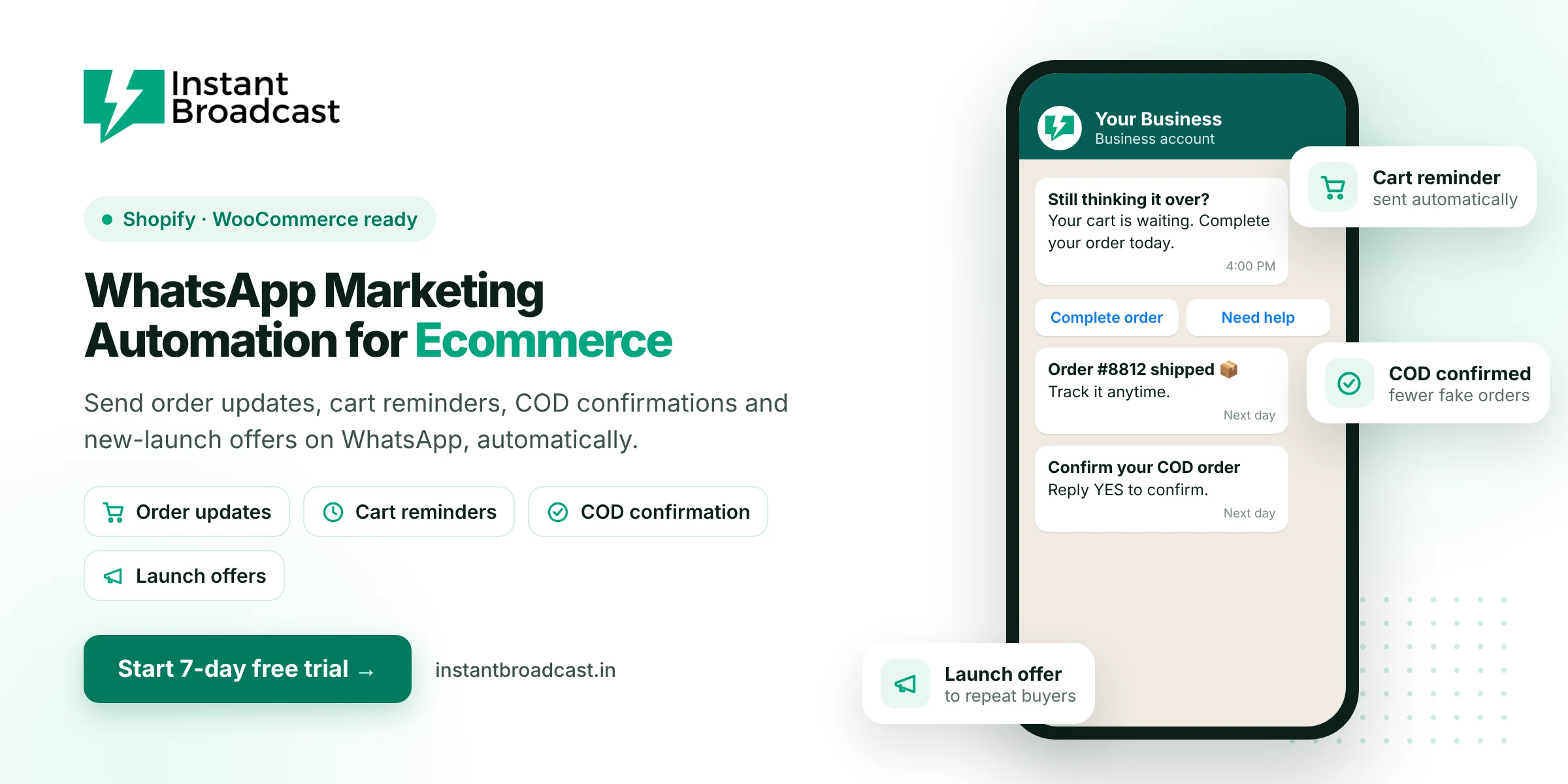
Instant Broadcast is WhatsApp marketing automation for ecommerce that sends order updates, abandoned-cart reminders, COD confirmations, delivery alerts and launch offers to your customers on WhatsApp automatically. It works with Shopify and WooCommerce on Meta's official WhatsApp Business API. Try it free for 7 days.
Why WhatsApp Marketing Automation for Ecommerce Works in India
Indian online shoppers already use WhatsApp every day, and they read WhatsApp messages far more readily than marketing emails. For D2C and ecommerce brands, WhatsApp is a direct line to the customer at every step: before the first order, during delivery and for every repeat purchase. Automation makes sure the right message goes out at the right moment without your team sending each one.
Automations every ecommerce store should run
| Automation | When it is sent | Why it matters |
|---|---|---|
| Order confirmation | Right after purchase | Reassures the customer and cuts "did my order go through?" queries |
| COD confirmation | After a cash-on-delivery order | Customers confirm with a tap, which helps reduce fake and cancelled COD orders |
| Abandoned cart reminder | A few hours after a cart is left | Brings back shoppers who were about to buy |
| Shipping and delivery updates | When the order ships and is out for delivery | Fewer "where is my order?" calls |
| Review request | After delivery | More reviews and early warning of unhappy customers |
| Restock and launch alerts | When products return or launch | Drives repeat purchases from opted-in buyers |
Key ecommerce features in Instant Broadcast
- Shopify and WooCommerce integrations. Store events trigger WhatsApp messages automatically.
- Approved message templates. Personalise them with the customer's name, order number, product and tracking link.
- Interactive buttons. "Confirm order", "Track order", "Shop now" and "Talk to us" buttons get quick responses.
- Segmented broadcasts. Send launches and sales to repeat buyers, high-value customers or a specific category's shoppers.
- No-code chatbot. Answers size, delivery, COD and return questions 24x7.
- Shared team inbox. Support agents handle order queries together from one number.
- Delivery reports. See sent, delivered and read results for every campaign.
Keep message costs under control
Ecommerce brands send a lot of messages, so category matters. On the Instant Broadcast rate card for India, utility messages such as order and delivery updates cost ₹0.15 each, while marketing messages such as offers and launches cost ₹1.12 each. Keep transactional updates plain and factual so Meta classes them as utility, and send marketing broadcasts only to segments that are likely to buy.
Best practices for ecommerce WhatsApp automation
- Collect opt-in at checkout. Add a clear WhatsApp updates checkbox to your checkout or order page.
- Start with order updates. They're expected, valued and cheap to send.
- Add cart and COD flows next. These usually have the biggest direct impact on revenue.
- Don't over-promote. Too many offers lead to blocks and a lower quality rating.
- Answer fast. Use the chatbot and team inbox so replies to automated messages never wait.
Get started
- Start your 7-day free trial and connect your WhatsApp business number.
- Connect your Shopify or WooCommerce store.
- Create templates for order confirmation, COD confirmation and cart reminders.
- Switch on each automation and watch the results in your reports.
Official references: Shopify’s webhooks documentation and Meta’s WhatsApp Business Platform documentation.
Frequently asked questions
What is WhatsApp marketing automation for ecommerce?
It means automatically sending WhatsApp messages at key moments in the shopping journey, such as order confirmations, cart reminders, COD confirmations, delivery updates and launch offers.
Does Instant Broadcast work with Shopify?
Yes. Instant Broadcast integrates with Shopify, and also with WooCommerce, so store events can trigger WhatsApp messages.
Can WhatsApp reduce fake COD orders?
Asking customers to confirm COD orders on WhatsApp before dispatch helps you spot and cancel orders that aren't genuine.
Can I send abandoned cart reminders on WhatsApp?
Yes, to customers who opted in to WhatsApp messages. A reminder with a link back to the cart can bring back shoppers who were close to buying.
How much do ecommerce WhatsApp messages cost?
On the Instant Broadcast rate card for India, utility messages like order updates cost ₹0.15 each and marketing messages like offers cost ₹1.12 each.
Do customers need to opt in?
Yes. Collect WhatsApp opt-in, for example at checkout, before sending messages, as required by WhatsApp's policies.
Can the chatbot handle order questions?
Yes. The no-code chatbot can answer common questions about delivery, COD, sizes and returns, and pass other questions to your team.
Is there a free trial?
Yes. You can try Instant Broadcast free for 7 days.