

Official WhatsApp API for Business Messaging: Get Started the Right Way
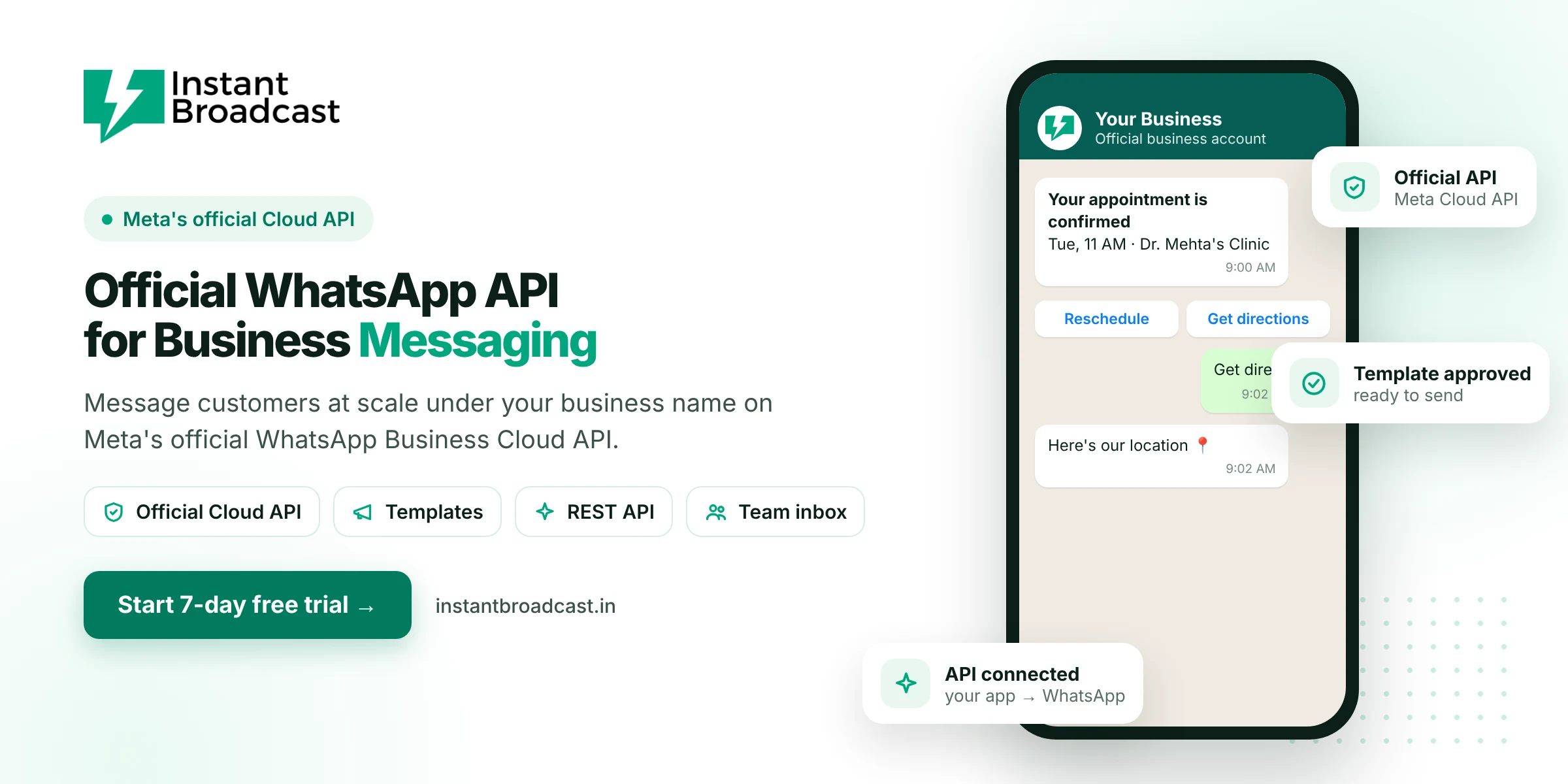
The official WhatsApp API for business messaging is Meta's WhatsApp Business Platform, also called the WhatsApp Cloud API. It lets a business message customers at scale under its own business name, using approved templates, chatbots and integrations. Instant Broadcast connects your number to this official API and gives you a ready-to-use portal and a REST API, so you can start without building anything yourself.
What Makes It the Official WhatsApp API for Business Messaging
Only Meta's WhatsApp Business Platform is officially allowed for business messaging at scale. Tools that automate WhatsApp Web or the phone app are unofficial. They go against WhatsApp's terms and often get numbers banned. The official API is hosted by Meta in the cloud. Businesses reach it through a provider's software or by building on it directly with their own developers.
What you can do with the official WhatsApp API
- Send template messages to opted-in customers, such as offers, order updates, reminders and OTPs.
- Reply freely inside the 24-hour customer service window after a customer messages you.
- Use interactive messages with quick-reply and call-to-action buttons, lists, images, video and documents.
- Run chatbots that answer and route conversations automatically.
- Let many agents reply from one business number through a team inbox.
- Connect your systems so events in your store, CRM or app send WhatsApp messages.
Three ways to use the official API
| Option | Best for | What you need |
|---|---|---|
| Instant Broadcast portal | Marketing, sales and support teams | No coding. Use broadcasts, chatbot and team inbox in the browser or the app |
| Instant Broadcast REST API | Businesses with their own software | A developer to call our API from your CRM, ERP or app |
| Build directly on Meta | Large tech teams | Developers to build and host everything yourself |
Key rules of the official API
- Opt-in is required. Message customers only after they've agreed to hear from you.
- Templates for business-initiated messages. Meta reviews and approves message templates before you use them.
- The 24-hour window. After a customer messages you, you can reply freely for 24 hours. After that, you need a template.
- Quality and limits. Your number has a quality rating and a daily messaging limit that grows with good quality and business verification.
- Per-message pricing. Template messages are charged by category: marketing, utility or authentication.
Getting the official API through Instant Broadcast
- Start your 7-day free trial.
- Connect your Meta business portfolio with guided onboarding.
- Verify your phone number by OTP and set your display name.
- Submit your first templates for Meta's approval.
- Start messaging from the portal, or call our REST API from your systems.
Rates on the official API
On the Instant Broadcast rate card for India, utility and authentication messages cost ₹0.15 each, marketing messages ₹1.12, and the first 1,000 service messages each month are free. See WhatsApp Business API pricing in India for details, or read about choosing a WhatsApp Business API provider in India.
Official references: Meta’s WhatsApp Business Platform documentation and the WhatsApp Business Messaging Policy.
Frequently asked questions
What is the official WhatsApp API for business?
It is Meta's WhatsApp Business Platform, also called the WhatsApp Cloud API. It is the only officially approved way for businesses to send WhatsApp messages at scale.
Is the WhatsApp Cloud API the same as the WhatsApp Business API?
Yes. Meta now offers the WhatsApp Business API as a cloud-hosted service known as the WhatsApp Cloud API.
Do I need a developer to use the official WhatsApp API?
No. Instant Broadcast gives you a no-code portal. A developer is only needed if you want to connect your own software through our REST API.
Can I send messages to anyone with the API?
No. You should only message customers who have opted in, and business-initiated messages must use approved templates.
What is the 24-hour customer service window?
When a customer messages you, you can reply with free-form messages for 24 hours. Outside that window you need an approved template.
How much does the official WhatsApp API cost?
On the Instant Broadcast rate card for India, utility and authentication messages cost ₹0.15 each and marketing messages ₹1.12 each, plus a software subscription.
Will my messages show my business name?
Yes. Messages are sent from your business number with your approved display name.
Is there a free trial?
Yes. You can try Instant Broadcast free for 7 days.