

Bulk WhatsApp Messaging Software for Businesses: Run Campaigns That Convert
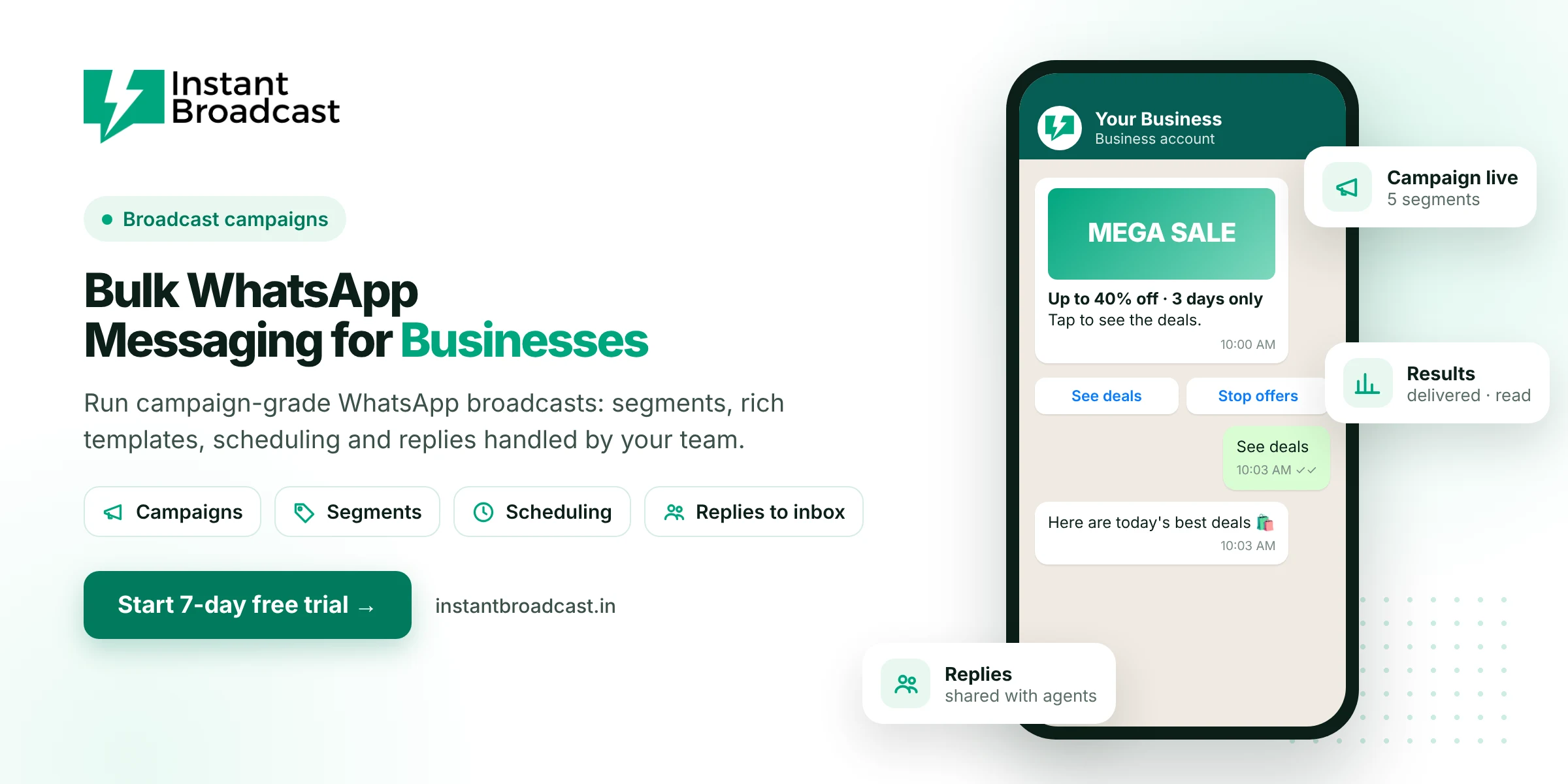
Instant Broadcast is bulk WhatsApp messaging software for businesses that run regular campaigns. You can segment your opted-in customers, send rich templates with images and buttons, schedule each send and pass every reply to your sales team, all on Meta's official WhatsApp Business API. It's built for teams that want campaigns to turn into orders, not just delivered messages.
Bulk WhatsApp Messaging Software for Businesses: From Blasts to Campaigns
Many businesses start bulk WhatsApp messaging by sending the same offer to everyone. It works at first, then results drop: more people ignore the messages, some block the number, and replies pile up unanswered. Businesses that get steady results treat WhatsApp like any other marketing channel. They plan each campaign, choose a clear audience and offer, schedule the send, reply fast and measure what happened.
Campaign features for businesses
- Audience segments. Tag contacts by city, product interest, purchase history, dealer or retail, or lead stage.
- Rich templates. Header image, video or PDF, personalised name and order fields, and quick-reply or call-to-action buttons.
- Scheduling. Prepare festive, launch and reminder campaigns in advance.
- Delivery reports. Sent, delivered, read and failed counts for each campaign.
- Replies to the team inbox. Interested customers reach a salesperson, with round-robin assignment.
- Chatbot on buttons. A "See deals" or "Get price list" tap can start an automated flow.
- Contact sources. Import from CSV or connect IndiaMART, TradeIndia, Shopify, WooCommerce and Google Sheets.
A campaign plan you can copy
| Week | Campaign | Audience | Goal |
|---|---|---|---|
| 1 | New arrivals with images | Repeat buyers | Orders |
| 2 | Price list or catalogue | Dealers and B2B buyers | Enquiries |
| 3 | Limited-time offer with a real end date | Engaged customers | Orders |
| 4 | Win-back message | Customers inactive for 90 days | Re-activation |
Bulk messaging that protects your number
- Message only opted-in contacts. Collect consent at checkout, on forms, through QR codes or from customers who message you first.
- Keep campaigns relevant. The more people block or report you, the lower your quality rating and messaging limit.
- Include an opt-out. A "Stop offers" button keeps unhappy recipients from reporting you.
- Grow volume steadily. New numbers start with a daily limit that rises as quality stays high and you complete business verification.
- Use real deadlines only. Fake countdowns and false urgency hurt trust, and in India they can count as dark patterns.
What bulk WhatsApp campaigns cost
Campaign messages are usually classed as marketing. On the Instant Broadcast rate card for India, they cost ₹1.12 per message, while utility messages such as order updates cost ₹0.15. A 2,000-contact offer campaign therefore costs about ₹2,240 in message charges. Segmenting tightly is the easiest way to cut that cost and lift results at the same time.
Measure every campaign
- Delivered rate shows list quality. Clean out invalid numbers if it drops.
- Read rate shows whether your timing and opening line work.
- Replies and button taps show real interest.
- Orders or enquiries are the result that matters. Track them with tags in the inbox.
New to bulk messaging? Start with our guide to WhatsApp bulk messaging software.
Official references: Meta’s WhatsApp Business Platform documentation and the WhatsApp Business Messaging Policy.
Frequently asked questions
What is bulk WhatsApp messaging software for businesses?
It is software that lets a business send WhatsApp campaigns to many opted-in customers at once, with segments, rich templates, scheduling, reports and a team inbox for replies, using the official WhatsApp Business API.
How many contacts can I message in one campaign?
It depends on your number's daily messaging limit, which starts lower for new numbers and increases with good quality and business verification.
How much does a bulk WhatsApp campaign cost?
Campaign messages are usually marketing messages, which cost ₹1.12 each on the Instant Broadcast rate card for India.
Can I send bulk messages with images and buttons?
Yes. Templates can include an image, video or document, personalised fields and buttons.
How do I avoid getting blocked?
Message only opted-in customers, keep campaigns relevant, add a way to opt out and avoid sending too often.
Who handles replies to bulk campaigns?
Replies go to the shared team inbox and can be auto-assigned to agents, or answered first by the chatbot.
Can I import contacts from Excel or Google Sheets?
Yes. Import contacts from a CSV file or connect Google Sheets.
Is there a free trial?
Yes. You can try Instant Broadcast free for 7 days.