

WhatsApp Bulk Messaging Software: Send Messages to Thousands Safely
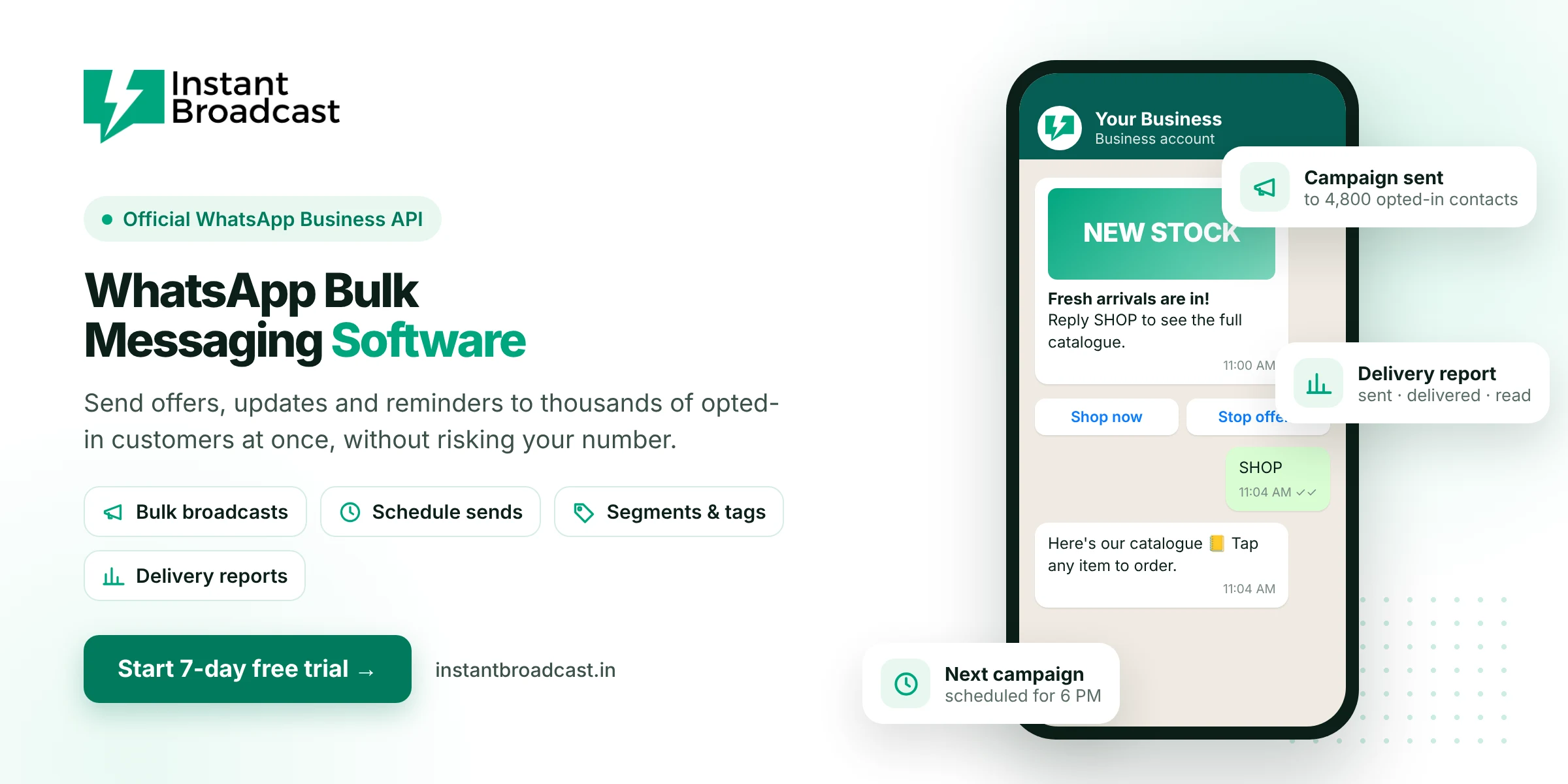
Instant Broadcast is WhatsApp bulk messaging software that sends offers, order updates and reminders to thousands of opted-in customers at once, using Meta's official WhatsApp Business API. Because it's official, you get bulk reach without the number bans that come with unofficial bulk-sender apps. Try it free for 7 days.
What is WhatsApp bulk messaging software?
WhatsApp bulk messaging software lets a business send the same message to a large list of customers in one go. Good software also personalises each message with the customer's name, adds buttons and images, schedules sends, and shows who received and read the message.
There are two kinds of bulk WhatsApp tools in the market. Official software works through the WhatsApp Business API that Meta provides. Unofficial "bulk sender" apps automate WhatsApp Web or the phone app, which breaks WhatsApp's terms and often gets numbers banned. Instant Broadcast is the official kind.
Why businesses use bulk WhatsApp messaging
- Customers actually read WhatsApp. It's where Indian customers already chat every day, so messages get seen faster than email or SMS.
- Rich messages sell better. Send images, videos, PDFs and tap-to-reply buttons instead of plain text.
- Customers can reply. Every broadcast opens a two-way chat, so interested buyers can ask questions straight away.
- One message reaches everyone. Skip copy-pasting the same offer to hundreds of contacts.
Official bulk messaging vs unofficial bulk-sender apps
| What matters | Unofficial bulk-sender apps | Instant Broadcast (official API) |
|---|---|---|
| Allowed by WhatsApp | No | Yes |
| Risk of number ban | High | Low, when you message opted-in customers* |
| Sender name | Personal number | Your business name |
| Buttons and rich media | Limited | Images, video, PDF, buttons |
| Delivery and read reports | Unreliable | Sent, delivered and read for every message |
| Replies | Mixed into your phone | Shared team inbox |
*All messaging is subject to WhatsApp Business policies and quality ratings.
Key features of Instant Broadcast for bulk messaging
- Bulk contact import. Upload contacts from a CSV or Google Sheets, then organise them with tags and segments.
- Personalised templates. Add the customer's name, order number or offer code to each message.
- Rich media and buttons. Attach images, videos and PDFs, and add quick-reply or call-to-action buttons.
- Scheduling. Prepare a campaign now and send it at the best time.
- Delivery reports. See sent, delivered, read and failed counts for every campaign.
- Replies in one inbox. Every customer reply lands in a shared team inbox, ready for your sales team.
- Chatbot follow-up. Let a no-code chatbot answer common replies instantly.
What you can send in bulk
- Offers and launches: festive sales, new stock, discount codes.
- Order and delivery updates: confirmations, shipping and delivery alerts.
- Payment reminders: invoice due dates and payment links.
- Event and appointment reminders: webinars, site visits, classes and clinic visits.
- Re-engagement: win-back messages for customers who haven't bought in a while.
Best practices for safe bulk WhatsApp messaging
- Message only opted-in customers. Collect consent through your website, forms, QR codes or a Click-to-WhatsApp ad.
- Segment your list. Send each group only the messages that matter to it.
- Keep it relevant. Too many messages lead to blocks and reports, which lower your quality rating.
- Give an easy opt-out. Add a "Stop" button or tell people how to stop messages.
- Grow volume gradually. New numbers start with a daily messaging limit that increases as quality stays high.
How to send your first bulk WhatsApp campaign
- Start your 7-day free trial and connect your WhatsApp business number.
- Import your opted-in contacts and tag them into segments.
- Create a message template and submit it for approval.
- Pick a segment, schedule or send, and track results in the report.
Official references: Meta’s WhatsApp Business Platform documentation and the WhatsApp Business Messaging Policy.
Frequently asked questions
What is the best WhatsApp bulk messaging software in India?
Choose software built on the official WhatsApp Business API, with contact segments, rich templates, scheduling, delivery reports and a team inbox for replies. Instant Broadcast offers all of these, with a 7-day free trial.
Can I send bulk WhatsApp messages without getting banned?
Use the official WhatsApp Business API, message only customers who opted in, and keep messages relevant. Bans usually come from unofficial bulk-sender apps or spam complaints. No provider can override WhatsApp's own enforcement.
How many WhatsApp messages can I send at once?
New numbers start with a daily limit on business-initiated messages. The limit increases as you keep a good quality rating and complete Meta business verification.
How much does it cost to send bulk WhatsApp messages?
You pay per message based on the category. On the Instant Broadcast rate card for India, marketing messages are ₹1.12 and utility messages are ₹0.15 each. See the pricing page for current rates.
Can I send images, videos and PDFs in bulk?
Yes. Templates can include an image, video or document, plus quick-reply or call-to-action buttons.
Do customers need to save my number to receive bulk messages?
No. With the official API, opted-in customers receive your messages even if they haven't saved your number.
Can I personalise bulk WhatsApp messages?
Yes. Add variables such as the customer's name, order ID or coupon code, and each customer gets their own version.
Is there a free trial?
Yes. Instant Broadcast has a 7-day free trial, so you can test bulk messaging with your own customers before you pay.