

WhatsApp Chatbot Software: Build a No-Code Chatbot for Your Business
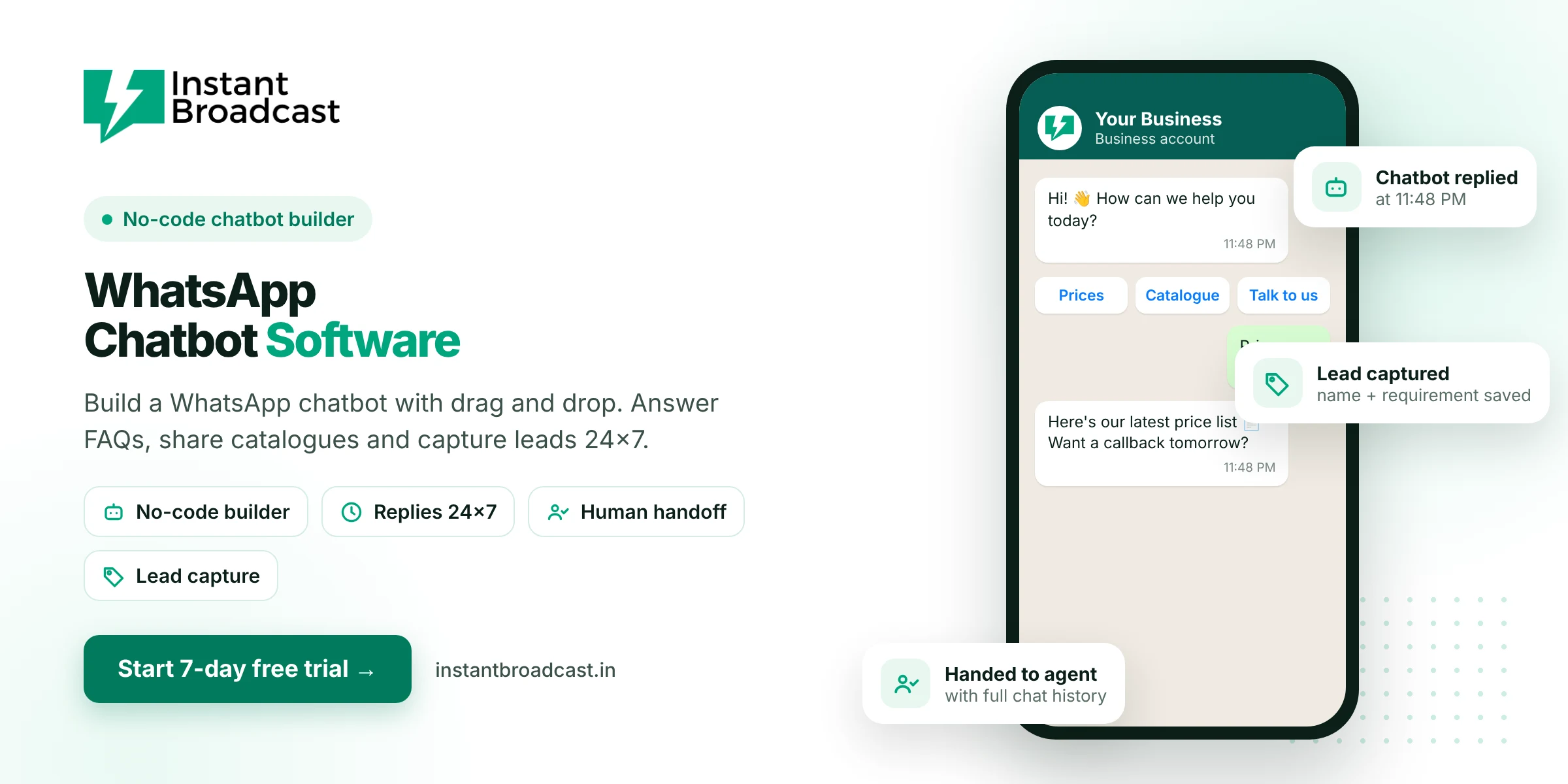
Instant Broadcast is WhatsApp chatbot software with a no-code flow builder that answers customer questions, shares catalogues and captures leads on WhatsApp 24x7, using Meta's official WhatsApp Business API. When a customer needs a person, the chatbot hands the chat to your team. The flow builder chatbot is included in every plan, and you can try it free for 7 days.
What is WhatsApp chatbot software?
WhatsApp chatbot software lets you build an automated assistant that replies to customers on your business WhatsApp number. The chatbot greets people, shows menu buttons, answers common questions, collects details like name and requirement, and passes the conversation to a human when needed. With a no-code builder, you design the flow by dragging blocks instead of writing code.
Why businesses need a WhatsApp chatbot
- Customers expect quick replies. The first business to reply often wins the order, especially for enquiries that come in at night.
- Most questions repeat. Price, timings, location, delivery and availability can be answered automatically.
- Leads get captured properly. The chatbot asks the right questions and saves the answers, so no enquiry is lost.
- Your team focuses on selling. Staff handle serious buyers, not the same five questions all day.
What you can build with the Instant Broadcast chatbot
- Welcome menu. Greet every new chat with buttons such as Prices, Catalogue, Track Order and Talk to Us.
- FAQ answers. Reply instantly to questions about price, timings, location, COD and delivery.
- Catalogue and brochure sharing. Send PDFs, images and links on request.
- Lead qualification. Ask for name, city, product and quantity, and save the answers.
- Appointment requests. Collect preferred dates for a site visit, demo or clinic visit.
- Human handoff. Move the chat to the shared team inbox with full history when a customer asks for a person.
Flow builder chatbot vs AI chatbot
| No-code flow builder chatbot | AI chatbot add-on | |
|---|---|---|
| How it works | Follows the buttons and steps you design | Understands free-text questions using your content |
| Best for | Menus, FAQs, lead forms, routing | Open-ended questions and detailed product queries |
| Setup | Drag-and-drop builder | Train on your website, PDFs and FAQ sheets |
| Price | Included in all plans | Additional charges apply |
Most businesses start with the flow builder and add the AI chatbot when customers ask more varied questions.
Chatbot examples by industry
- E-commerce: order status, COD questions, size guides and return requests.
- Real estate: project details, budget-based options and site-visit booking.
- Education: course list, fees, batch timings and demo class registration.
- Manufacturers and wholesalers: catalogue, minimum order quantity and rate enquiries.
- Clinics and salons: services, timings and appointment requests.
How to build your WhatsApp chatbot
- Start your 7-day free trial and connect your WhatsApp business number.
- Open the flow builder and create a welcome message with menu buttons.
- Add an answer or a question step for each button.
- Add a "Talk to us" option that hands the chat to your team inbox.
- Test it from your own phone, then switch it on for all customers.
Official references: Meta’s WhatsApp Business Platform documentation and the WhatsApp Business Messaging Policy.
Frequently asked questions
What is the best WhatsApp chatbot software in India?
Look for a chatbot on the official WhatsApp Business API with a no-code builder, human handoff, lead capture and a team inbox. Instant Broadcast includes all of these, with an optional AI chatbot add-on.
Do I need coding to build a WhatsApp chatbot?
No. Instant Broadcast's flow builder is drag and drop, so anyone on your team can build and edit the chatbot.
Is the WhatsApp chatbot free?
The no-code flow builder chatbot is included in all Instant Broadcast plans. The AI chatbot is an add-on with additional charges. Normal WhatsApp message charges apply.
Can the chatbot reply at night?
Yes. The chatbot replies instantly 24x7, so night-time enquiries get an answer straight away.
Can a customer talk to a real person?
Yes. Add a handoff step and the chat moves to your shared team inbox with the full conversation history.
Can the chatbot send catalogues and PDFs?
Yes. The chatbot can share images, PDFs, links and product details as part of a flow.
What is the difference between a chatbot and an auto-reply?
An auto-reply sends one fixed message. A chatbot has menus, questions and branches, so it can answer different questions and collect details.
Is there a free trial?
Yes. You can build and test your chatbot during the 7-day free trial.