

WhatsApp Campaign Management Software: Plan, Send and Track Campaigns
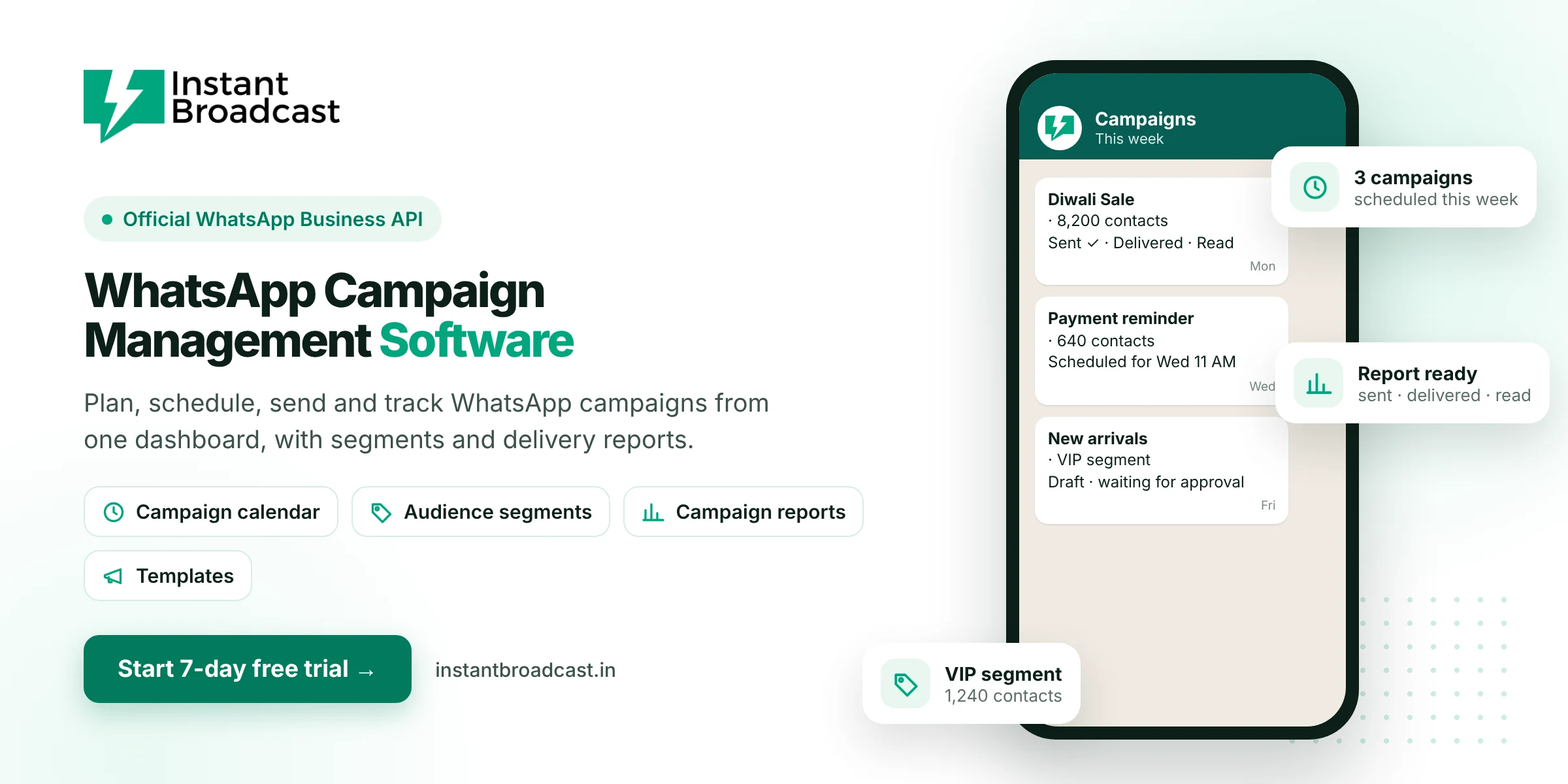
Instant Broadcast is WhatsApp campaign management software that lets you plan, segment, schedule, send and track WhatsApp campaigns from one dashboard, on Meta's official WhatsApp Business API. Every campaign shows how many messages were sent, delivered and read, and every reply lands in your team inbox. Try it free for 7 days.
What is WhatsApp campaign management software?
WhatsApp campaign management software helps you run marketing and update campaigns on WhatsApp in an organised way. Instead of sending one-off messages, you build an audience, choose an approved template, schedule the send and measure the results. Then you use what you learned to improve the next campaign.
The campaign lifecycle in Instant Broadcast
- Plan. Decide the goal, such as a sale, launch, reminder or re-engagement, and the date.
- Build the audience. Pick a segment using tags such as city, product interest or past purchase.
- Create the template. Add a header image, video or PDF, personalised fields and buttons, then submit it for approval.
- Schedule. Send now or set a date and time.
- Handle replies. The chatbot answers common replies and your team handles the rest in the shared inbox.
- Measure. Check sent, delivered, read and failed counts, plus replies, then refine the next campaign.
Key campaign management features
- Audience segments. Use tags and imported lists to target the right customers.
- Rich templates. Images, videos, documents, personalised variables and quick-reply or call-to-action buttons.
- Scheduling. Plan festive and launch campaigns ahead of time.
- Campaign reports. Delivery and read results for every campaign.
- Reply management. Replies go to the shared team inbox, with round-robin assignment to agents.
- Chatbot follow-up. Buttons in your campaign can start a chatbot flow, such as sharing a catalogue or booking a visit.
- Lead source integrations. Build audiences from IndiaMART, TradeIndia, Shopify, WooCommerce and Google Sheets.
Types of WhatsApp campaigns you can run
| Campaign | Example | Message category |
|---|---|---|
| Promotional | Festive sale, new launch, coupon code | Marketing |
| Re-engagement | "We miss you" offer to past buyers | Marketing |
| Transactional | Order, shipping and payment updates | Utility |
| Reminders | Appointment, class or site-visit reminders | Utility |
| Event | Webinar or store event invitation | Marketing |
Meta assigns the final category when it reviews your template, and marketing and utility messages are priced differently.
Tips for better WhatsApp campaign results
- Send to opted-in customers only. It protects your number's quality rating.
- Keep segments focused. A smaller, relevant audience often gets more replies than a large generic one.
- Put the offer first. The first line and the image decide whether people read on.
- Use one clear button. "Shop now", "Get price list" or "Book a visit".
- Time it well. Schedule campaigns for when your customers are most active.
- Watch the report. Low read rates mean the audience or timing needs work. Many blocks mean the message isn't relevant enough.
Run your first campaign
- Start your 7-day free trial and connect your WhatsApp business number.
- Import contacts and tag them into segments.
- Create and submit your first template.
- Schedule the campaign and review the report afterwards.
Official references: Meta’s guide to WhatsApp message templates and the WhatsApp Business Messaging Policy.
Frequently asked questions
What is WhatsApp campaign management?
It is the process of planning, targeting, scheduling, sending and measuring WhatsApp campaigns, usually from one dashboard on the WhatsApp Business API.
Can I schedule WhatsApp campaigns in advance?
Yes. In Instant Broadcast you can create a campaign now and schedule it for a later date and time.
How do I track WhatsApp campaign results?
Campaign reports show how many messages were sent, delivered, read and failed, and replies appear in the team inbox.
Can I target different customer groups?
Yes. Use tags and segments to send each campaign only to the customers it is relevant for.
Do campaign templates need approval?
Yes. Business-initiated WhatsApp messages use templates that Meta reviews before you can send them.
What does a WhatsApp campaign cost?
You pay per message by category. On the India rate card, marketing messages cost ₹1.12 and utility messages ₹0.15 each.
Who handles replies to a campaign?
The chatbot can answer common replies automatically, and other replies go to your shared team inbox for agents.
Is there a free trial?
Yes. You can try Instant Broadcast free for 7 days.