

WhatsApp Broadcast Software: Reach Every Customer With One Message
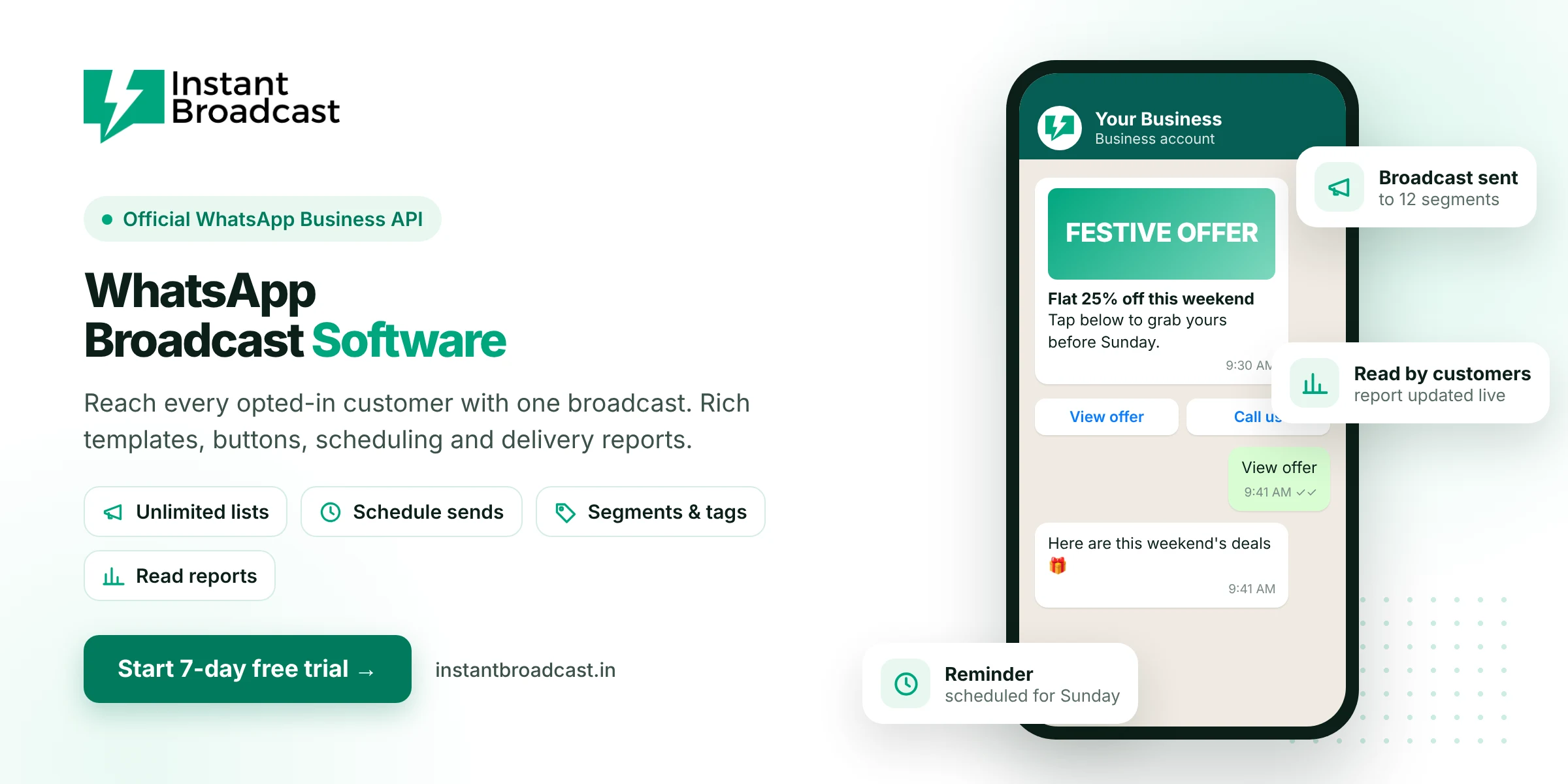
Instant Broadcast is WhatsApp broadcast software that lets you send one message to all your opted-in customers at once, with images, buttons and scheduling, on Meta's official WhatsApp Business API. Unlike WhatsApp Business app broadcast lists, it isn't limited to people who saved your number. Start with a 7-day free trial.
What is WhatsApp broadcast software?
A WhatsApp broadcast is one message sent to many people, where each person receives it as a private chat. WhatsApp broadcast software makes this work at business scale. You upload your contact list, choose an approved message template, and send or schedule it to thousands of customers. Each reply comes back to you as a separate conversation.
The problem with WhatsApp Business app broadcast lists
- Contact limits. Each broadcast list in the app has a cap on how many contacts it can hold.
- Saved-number rule. Only people who have saved your number receive app broadcasts, so many customers never see them.
- No reports. You can't easily see who received or read each broadcast at scale.
- One phone. Replies pile up on a single device that only one person can handle.
Broadcast software built on the WhatsApp Business API removes these limits.
WhatsApp Business app vs Instant Broadcast
| Feature | WhatsApp Business app | Instant Broadcast |
|---|---|---|
| Who receives broadcasts | Only people who saved your number | All opted-in customers |
| List size | Capped per list | Large lists with segments |
| Images, video, PDF, buttons | Basic | Rich templates with buttons |
| Scheduling | No | Yes |
| Delivery and read reports | Limited | Sent, delivered, read, failed |
| Team replies | One phone | Shared multi-agent inbox |
Key features of Instant Broadcast
- Segments and tags. Group contacts by city, product interest, purchase history or lead stage.
- Rich templates. Add a header image, video or PDF, personalised fields and up to multiple buttons.
- Schedule campaigns. Plan festive and launch broadcasts in advance.
- Campaign reports. Track sent, delivered, read and failed messages for every broadcast.
- Team inbox for replies. Replies go to a shared inbox with agent logins and round-robin assignment.
- Chatbot follow-up. A no-code chatbot can answer common replies like price or availability instantly.
- Integrations. Pull contacts and leads from IndiaMART, TradeIndia, Shopify and Google Sheets.
Broadcast ideas that work for Indian businesses
- Retail and wholesale: new stock alerts, rate lists and festive offers to dealers and customers.
- E-commerce: launch announcements, restock alerts and limited-time coupons.
- Real estate: new project launches, price updates and site-visit invitations.
- Education: admission dates, batch timings and exam reminders.
- Clinics and services: appointment reminders and health camp announcements.
How to get better results from WhatsApp broadcasts
- Get opt-in first. Broadcast only to customers who agreed to hear from you.
- Segment, don't spam. Smaller, relevant broadcasts get more replies and fewer blocks.
- Lead with the offer. Put the benefit in the first line and the image.
- Add a clear button. "Shop now", "Get price list" or "Book a visit" gets more taps than plain text.
- Reply fast. Use the chatbot and team inbox so interested customers get an answer within minutes.
Start broadcasting in 4 steps
- Start your 7-day free trial and connect your business number.
- Import contacts and create segments.
- Create a template and get it approved.
- Send or schedule your broadcast and watch the report.
Official references: Meta’s WhatsApp Business Platform documentation and the WhatsApp Business Messaging Policy.
Frequently asked questions
What is the best WhatsApp broadcast software in India?
Pick broadcast software on the official WhatsApp Business API with segments, rich templates, scheduling, read reports and a team inbox. Instant Broadcast offers these with a 7-day free trial.
Can I send a WhatsApp broadcast to people who haven't saved my number?
Yes. With the WhatsApp Business API, opted-in customers receive your broadcast whether or not they saved your number.
Is there a limit on WhatsApp broadcasts?
Yes. Each number has a daily limit on business-initiated messages. It starts lower for new numbers and increases as you maintain a good quality rating and complete business verification.
How much does a WhatsApp broadcast cost?
Broadcasts use paid template messages. On the Instant Broadcast rate card for India, a marketing message costs ₹1.12 and a utility message ₹0.15. See the pricing page for current rates.
Can I schedule WhatsApp broadcasts?
Yes. You can create a broadcast now and schedule it for a later date and time.
Can I see who read my broadcast?
Yes. Campaign reports show how many messages were sent, delivered, read or failed.
What happens when customers reply to a broadcast?
Each reply arrives as a separate conversation in the shared team inbox, where an agent or the chatbot can respond.
Is there a free trial?
Yes. You can try Instant Broadcast free for 7 days.