

AI Chatbot for WhatsApp Business: Answer Customers 24x7 With Your Own Data
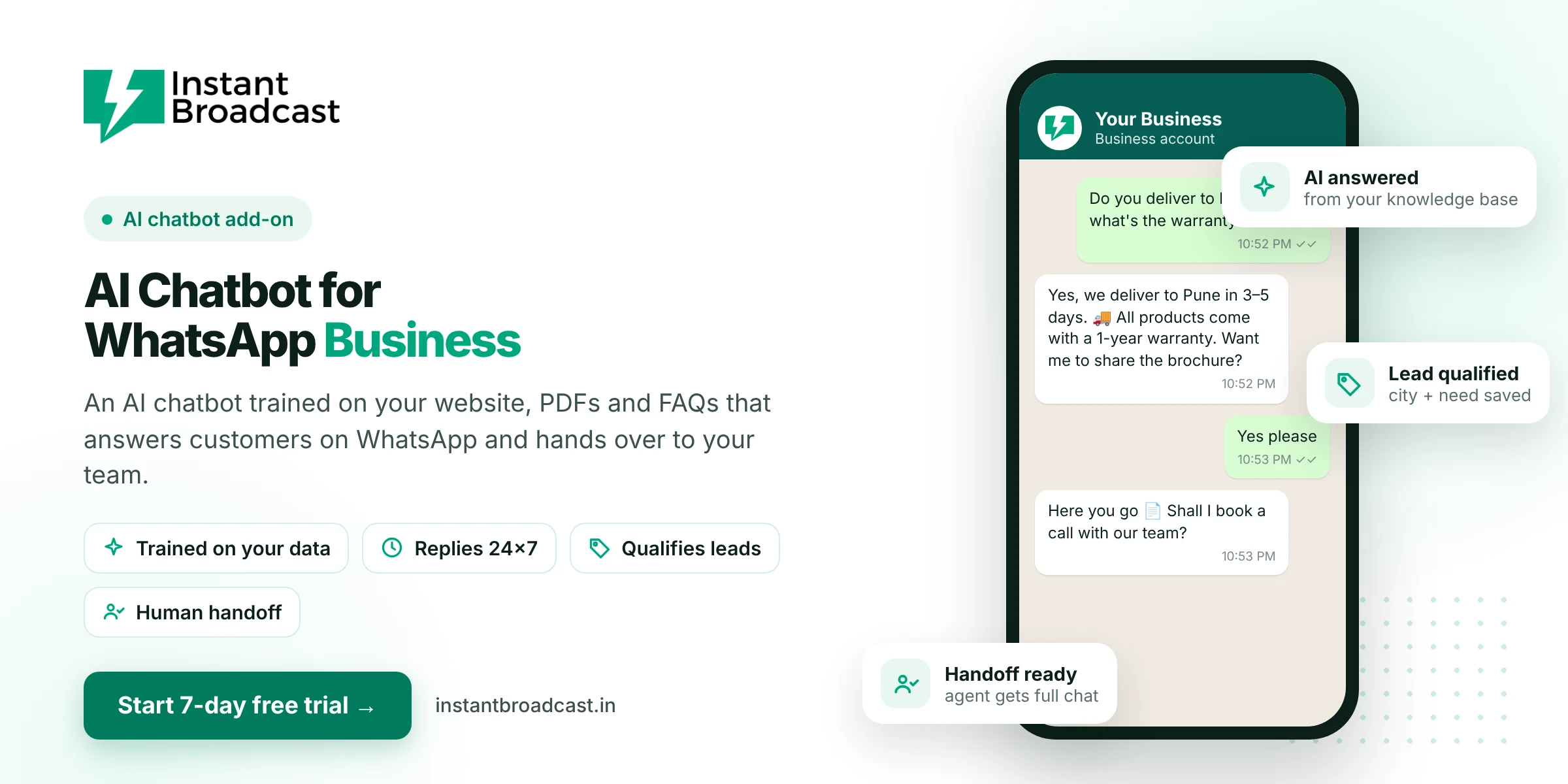
Instant Broadcast's AI chatbot for WhatsApp Business is trained on your own website, PDFs, product manuals and FAQ sheets, so it can answer customers' questions on WhatsApp 24x7 in natural language. It qualifies leads, can help customers book appointments, and hands the conversation to your team when a person is needed. It runs on Meta's official WhatsApp Business API and is available as an add-on.
What is an AI Chatbot for WhatsApp Business?
A regular WhatsApp chatbot follows fixed menus and buttons. An AI chatbot understands free-text questions, like "Do you deliver to Pune and what's the warranty?", and writes a reply using information from your business content. Customers get a direct answer instead of scrolling through menus, and your team only steps in when the AI can't help or the customer asks for a person.
What the Instant Broadcast AI chatbot can do
- Learn from your content. Add your website pages, PDFs, product manuals and FAQ sheets as its knowledge base.
- Answer from that knowledge base. It is designed to reply using your verified business information.
- Qualify leads. Ask about need, budget, location and contact details, then pass qualified leads to sales.
- Book appointments. Let customers check availability and request a slot inside WhatsApp.
- Hand over to humans. When a customer asks for a person or the issue is complex, the chat moves to your team inbox with the full history.
- Reply in multiple languages. Respond to customers in the language they write in.
Rule-based chatbot vs AI chatbot
| Rule-based flow chatbot | AI chatbot | |
|---|---|---|
| Understands | Button taps and set keywords | Free-text questions |
| Knowledge | Answers you write into each step | Your website, PDFs and FAQs |
| Best for | Menus, lead forms, routing | Product questions and varied enquiries |
| Setup | Drag-and-drop flow builder | Upload content and set tone |
| Availability in Instant Broadcast | Included in all plans | Add-on, additional charges apply |
Many businesses use both: a flow chatbot for the welcome menu and lead capture, and the AI chatbot for open questions.
Where an AI WhatsApp chatbot helps most
- E-commerce: product details, sizes, delivery areas, COD and return policy questions.
- Real estate: project amenities, configurations, location and site-visit requests.
- Education: course content, eligibility, fees and batch timings.
- Healthcare and clinics: services, timings and appointment requests (not medical advice).
- B2B and manufacturing: product specifications, minimum order quantity and catalogue requests.
Setup and support
Our team can help you set up the AI chatbot. That includes organising your knowledge base, setting the chatbot's tone and persona, and reviewing questions it couldn't answer so you can keep improving its content.
How to get started
- Start your 7-day free trial and connect your WhatsApp business number.
- Talk to our team about adding the AI chatbot to your plan.
- Upload your website links, PDFs and FAQ sheets.
- Test the AI with real customer questions and set when it should hand over to your team.
- Go live, and review unanswered questions every week.
Official references: Meta’s WhatsApp Business Platform documentation and the WhatsApp Business Messaging Policy.
Frequently asked questions
What is an AI chatbot for WhatsApp Business?
It is a chatbot that understands customers' free-text questions on WhatsApp and replies using your business information, such as your website, PDFs and FAQs, instead of fixed menus only.
How do I train the AI chatbot?
Add your website pages, PDFs, product manuals and FAQ sheets as the knowledge base. Our team can help organise this content.
Will the AI chatbot make up answers?
It is designed to answer from your knowledge base. Keep your content accurate and up to date, and set it to hand over to your team when it isn't sure.
Can customers talk to a real person?
Yes. When a customer asks for a person or the question is complex, the chat moves to your shared team inbox with the full history.
Is the AI chatbot included in all plans?
The no-code flow builder chatbot is included in all plans. The AI chatbot is an add-on with additional charges.
Can the AI chatbot reply in Hindi or other languages?
It can reply in multiple languages. Test it with the languages your customers use before going live.
Can the AI chatbot qualify leads?
Yes. It can ask qualifying questions such as need, budget and location, and pass qualified leads to your sales team.
Does it work on the official WhatsApp API?
Yes. It runs on Meta's official WhatsApp Business API through Instant Broadcast.